Configure Cloudflare Access
هذا المحتوى غير متوفر بلغتك بعد.
What you will do
Section titled “What you will do”Use an existing Cloudflare Access SSH application from Vibeit.
Before you start
Section titled “Before you start”- An active Pro subscription. Third-party AI subscriptions and API credits are separate.
- A working internet connection for the service or download used in this tutorial.
- A reachable SSH server, its hostname/port, a username, and the authentication method you are authorized to use.
Download the tutorial workspace
Where to start
Section titled “Where to start”Add Remote Host → Connection → Cloudflare Access
Follow the steps
Section titled “Follow the steps”Screenshot capture is in progress for this preview. This page is not approved for publication.
See the control up close
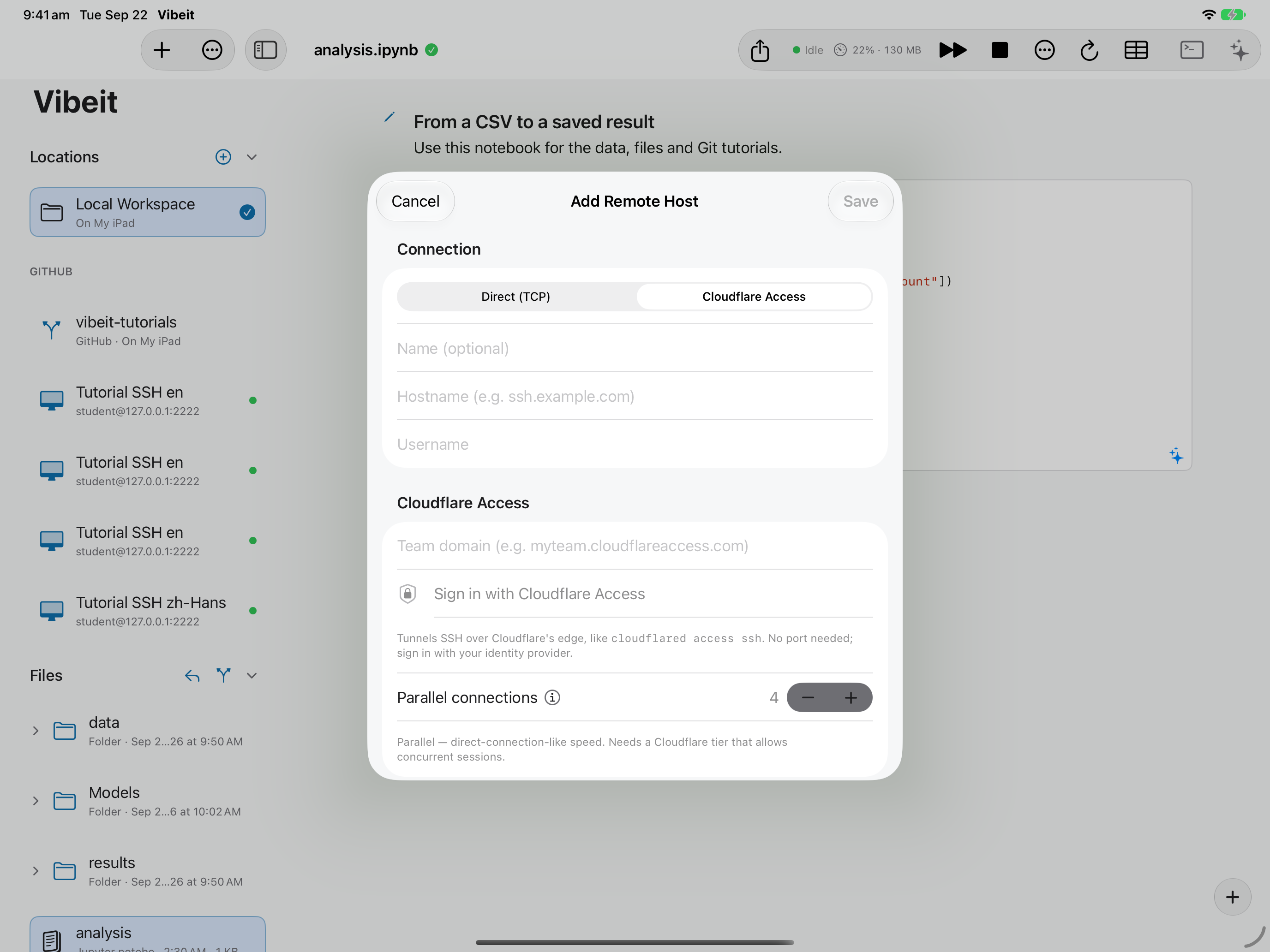
1
2
3
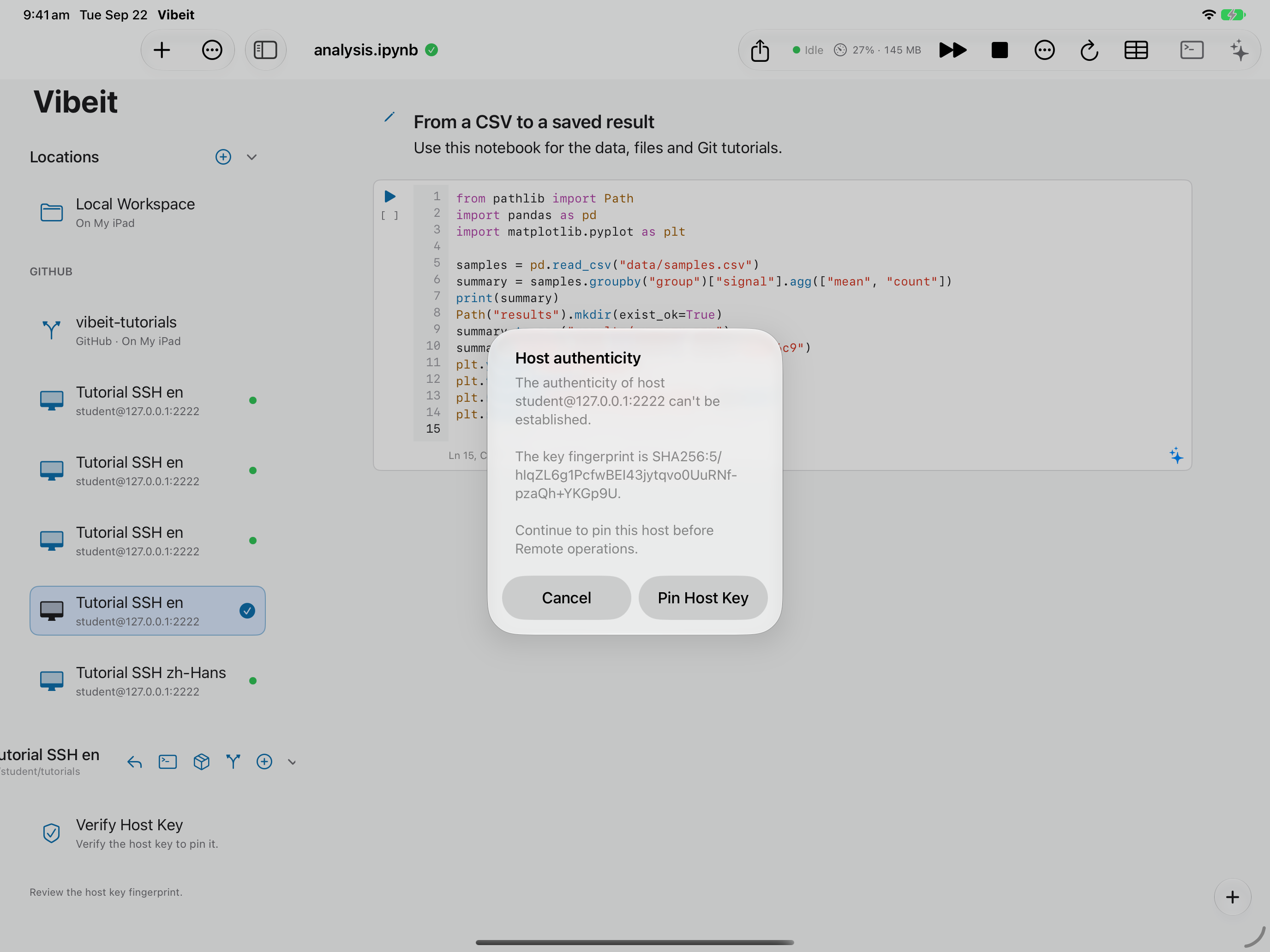
4
Check the result
Section titled “Check the result”Keep the default connection concurrency unless your setup supports more. Save, verify the host key and confirm a real file connection.
If it does not work
Section titled “If it does not work”- For a timeout, check the host, port, network route and server availability.
- For authentication failures, check the username and matching password or private key.
- If the host fingerprint changes, verify it through a trusted channel before replacing the saved fingerprint.