Sign in to GitHub
Dieser Inhalt ist noch nicht in deiner Sprache verfügbar.
What you will do
Section titled “What you will do”Authorize Vibeit to access the GitHub repositories your account permits.
Before you start
Section titled “Before you start”- An active Pro subscription. Third-party AI subscriptions and API credits are separate.
- A working internet connection for the service or download used in this tutorial.
Download the tutorial workspace
Where to start
Section titled “Where to start”Settings → Source Control → GitHub
Follow the steps
Section titled “Follow the steps”Screenshot capture is in progress for this preview. This page is not approved for publication.
See the control up close
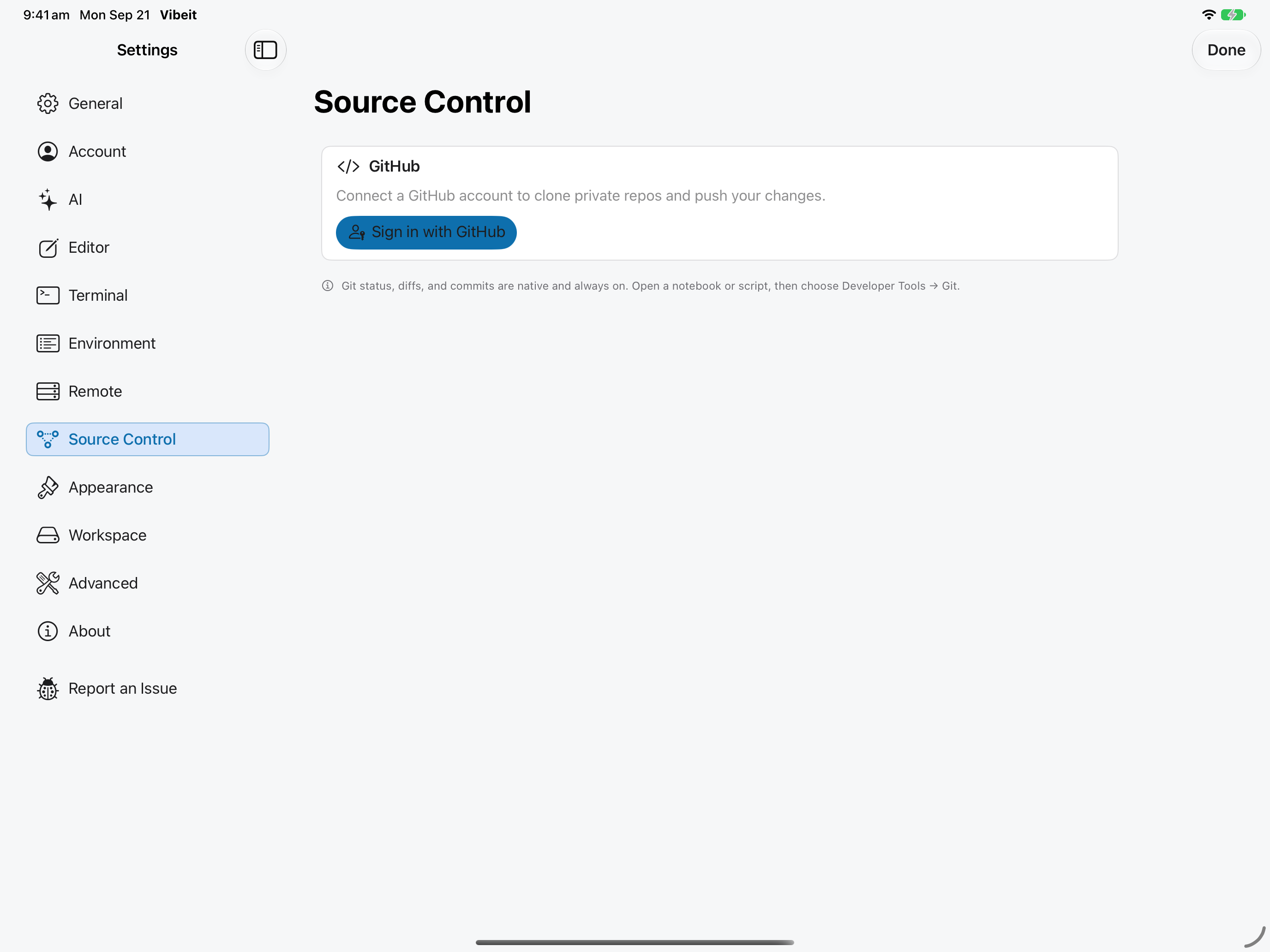
1
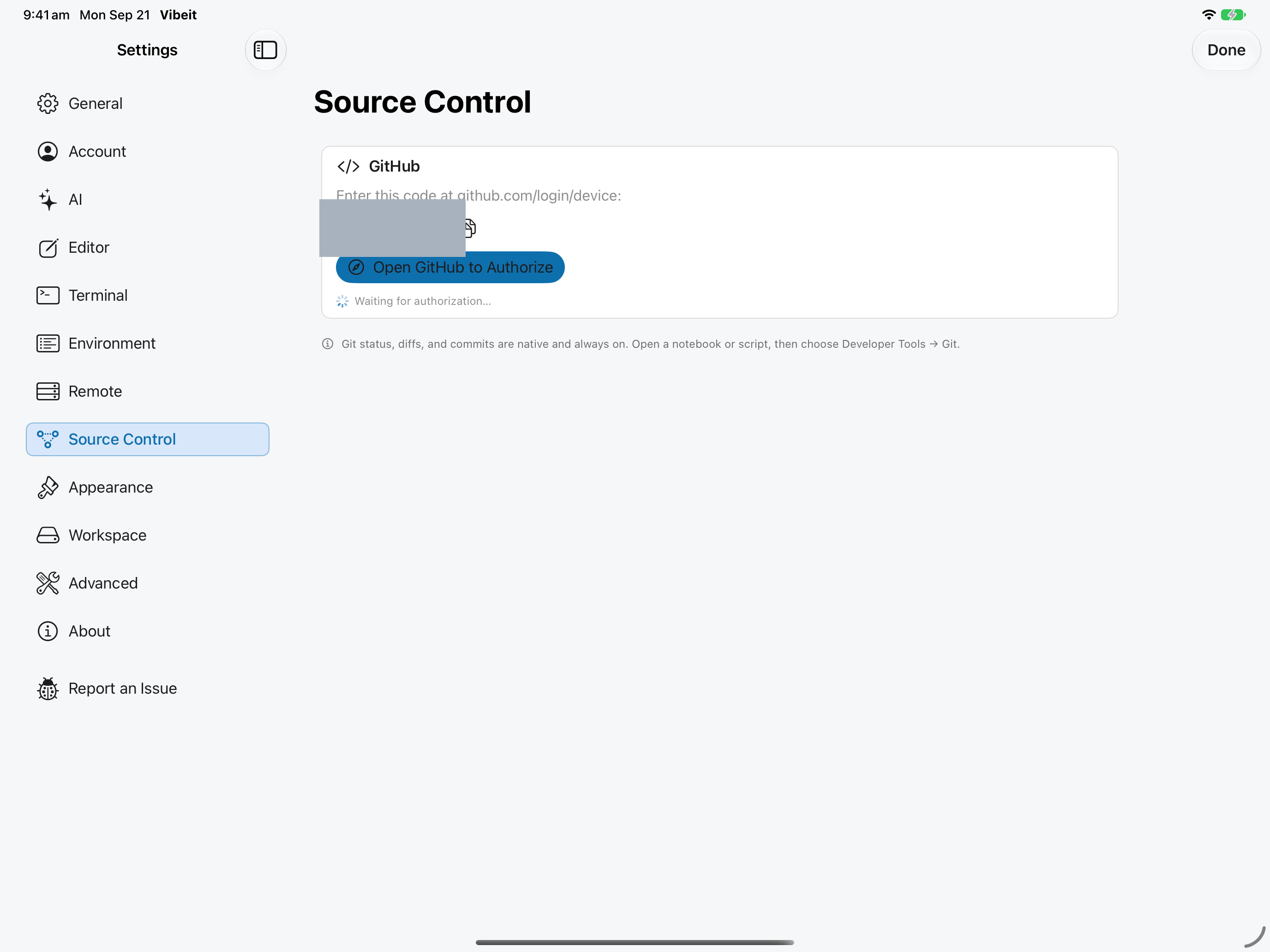
2
3
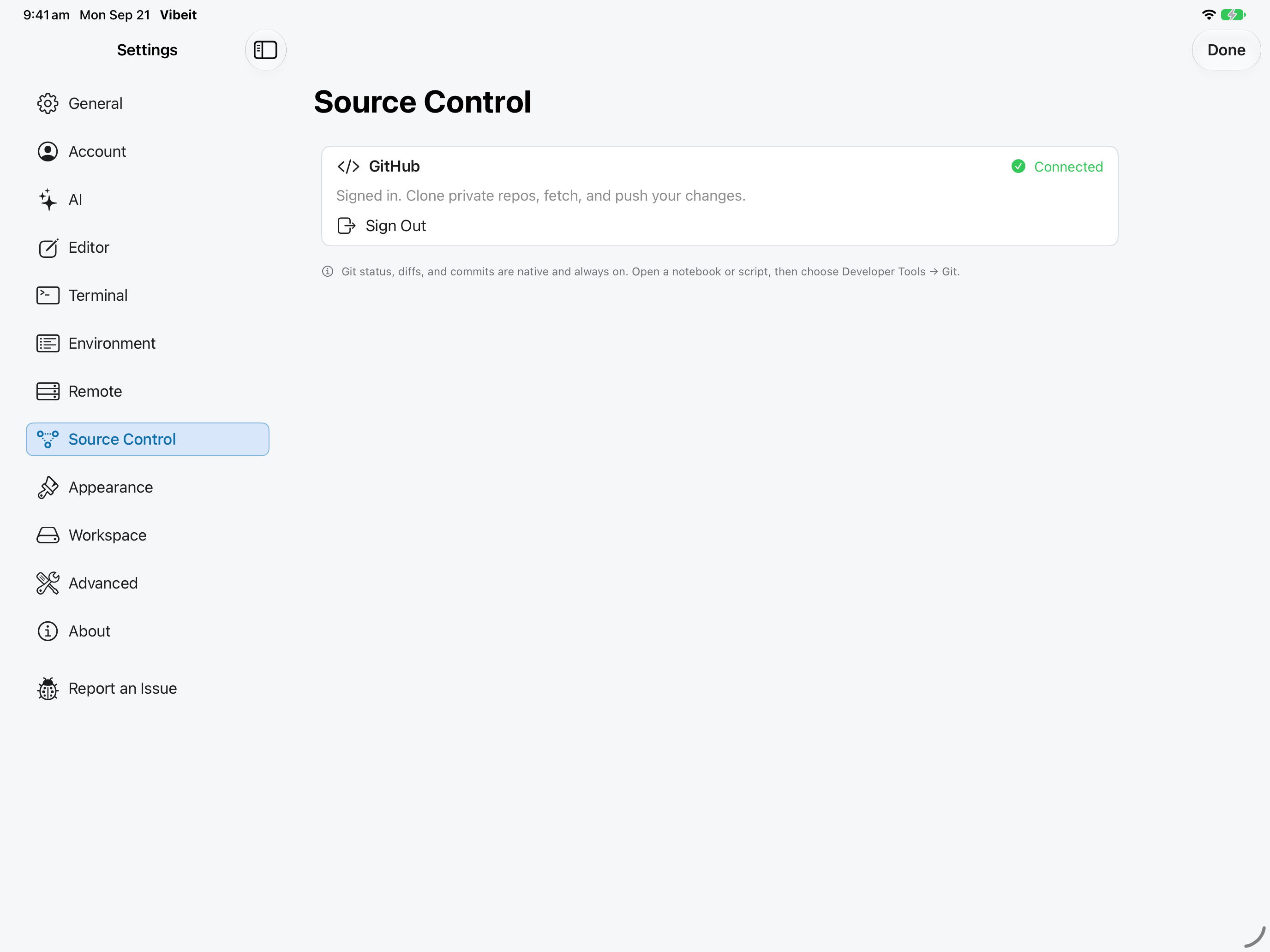
4
Check the result
Section titled “Check the result”Return to Vibeit and confirm that GitHub shows the intended signed-in account.
If it does not work
Section titled “If it does not work”- Commit records local history; Push sends commits to the remote. Check which operation failed.
- For rejected pushes, inspect the remote changes and your permissions. Do not use a force push as a routine fix.
- If changes conflict, keep a copy and review the affected files before discarding anything.