Sign in to Codex and load models
Esta página aún no está disponible en tu idioma.
What you will do
Section titled “What you will do”Connect a Codex account and choose from the models available to that account.
Before you start
Section titled “Before you start”- An active Pro subscription. Third-party AI subscriptions and API credits are separate.
- A working internet connection for the service or download used in this tutorial.
- A Codex-compatible OpenAI account with access to the service.
Download the tutorial workspace
Where to start
Section titled “Where to start”Settings → AI → Codex
Follow the steps
Section titled “Follow the steps”Screenshot capture is in progress for this preview. This page is not approved for publication.
See the control up close
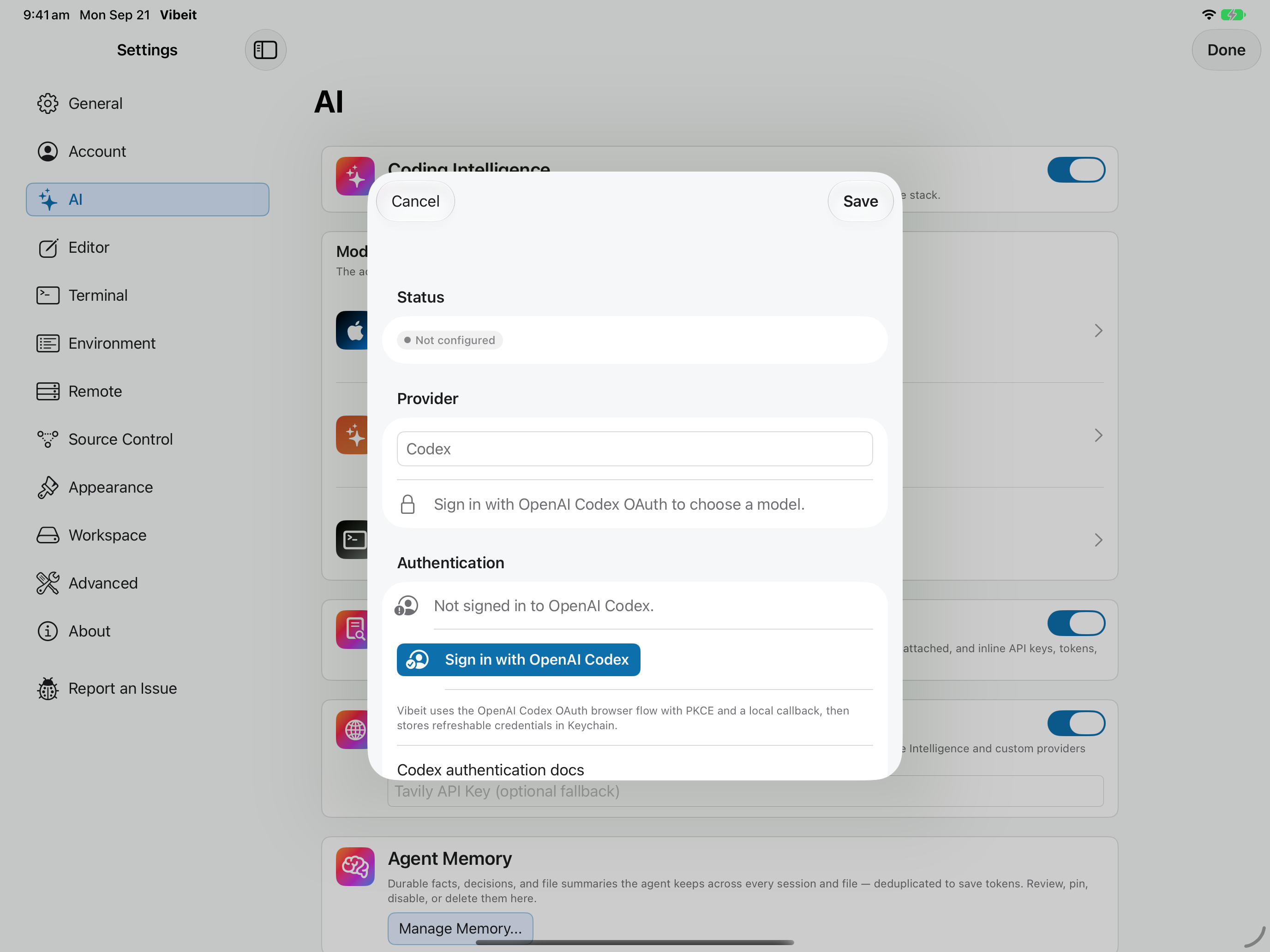
1
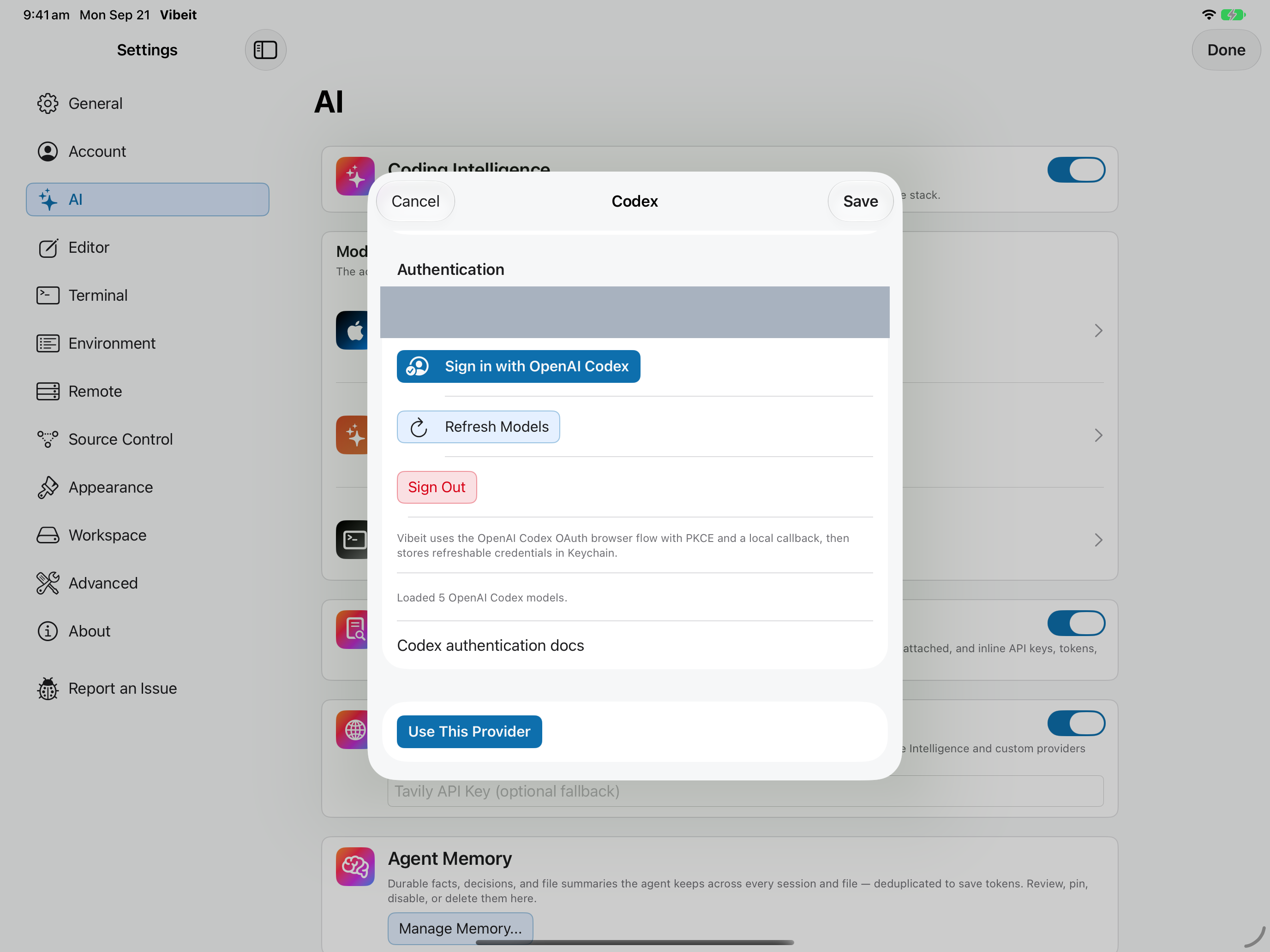
2
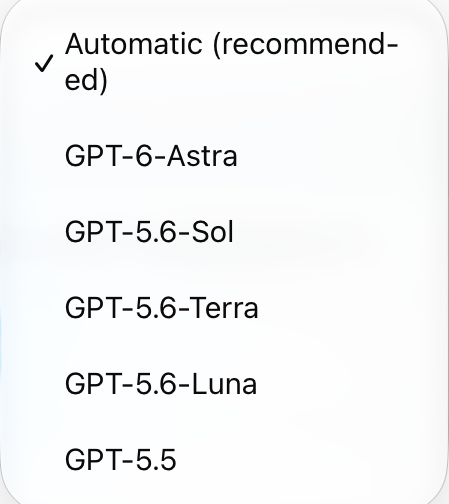
3
4
Check the result
Section titled “Check the result”Use Refresh Models if the list needs updating. Save the settings, then use Use This Provider when you want Codex to power the agent.
If it does not work
Section titled “If it does not work”- If the provider is configured but not used, select Use This Provider and check the active badge.
- For sign-in or key errors, repair the provider configuration before retrying a short request.
- Provider choices can depend on your App Store region, subscription and the provider account.