Read tables, plots and interactive results
Esta página aún no está disponible en tu idioma.
What you will do
Section titled “What you will do”Find output where the code ran and interact with supported notebook results.
Before you start
Section titled “Before you start”- An active Standard or Pro subscription, or an eligible trial.
Download the tutorial workspace
Where to start
Section titled “Where to start”Notebook → run a result-producing cell
Follow the steps
Section titled “Follow the steps”Screenshot capture is in progress for this preview. This page is not approved for publication.
See the control up close
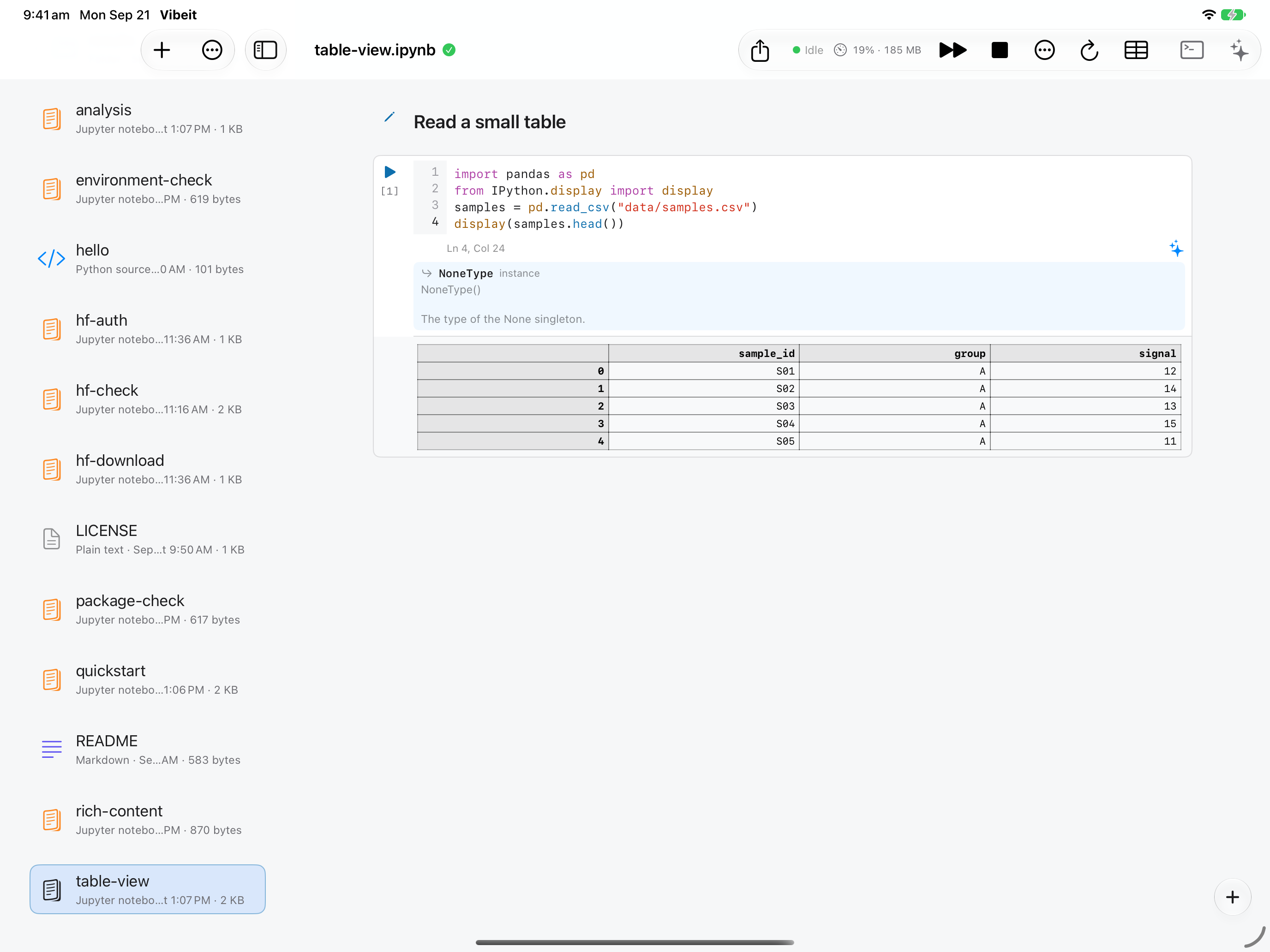
1
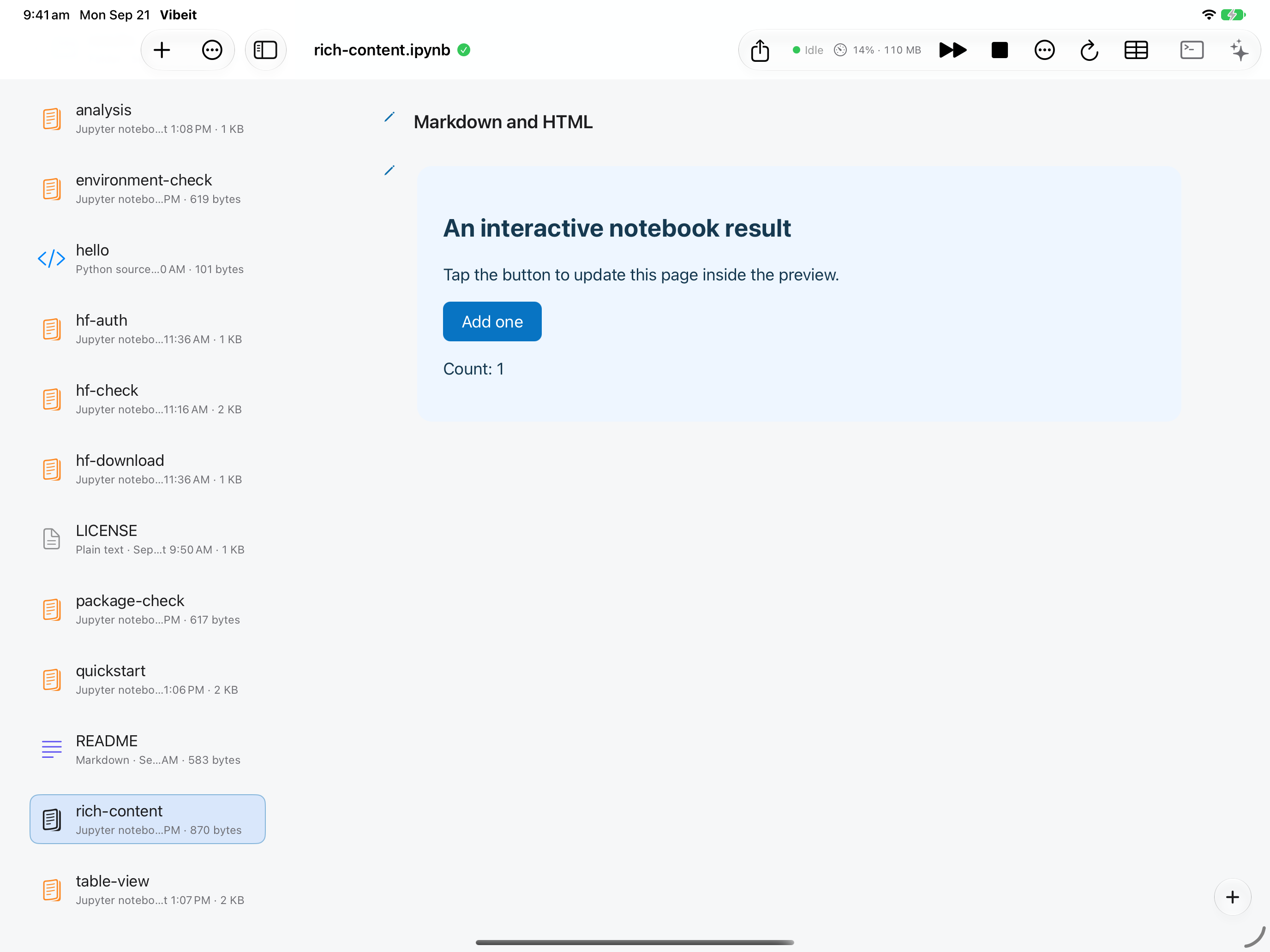
2
3
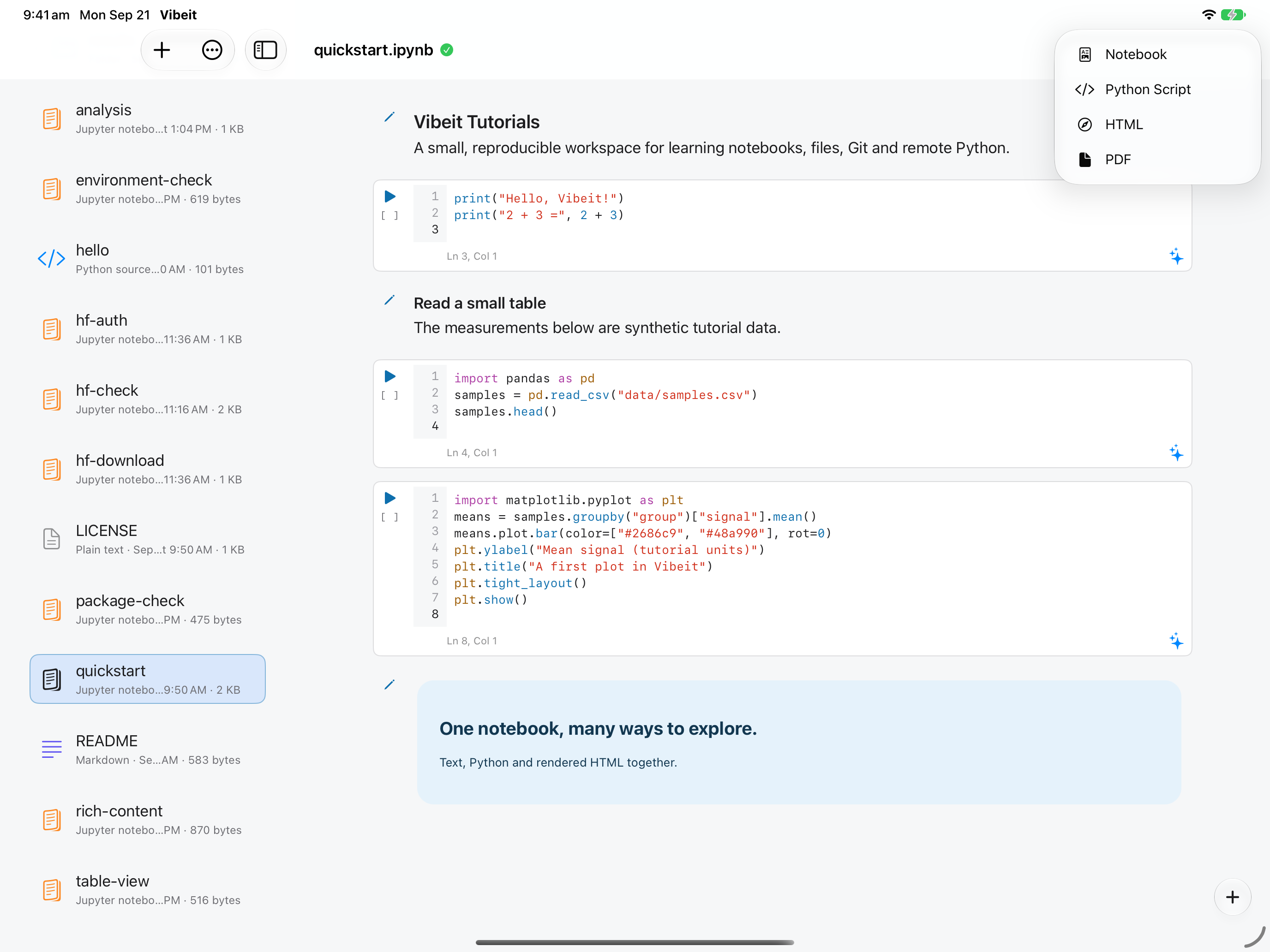
4
Check the result
Section titled “Check the result”Export the notebook or write an output file from Python, then confirm the file appears in the project.
If it does not work
Section titled “If it does not work”- For NameError, run the cell that defines the missing name.
- For FileNotFoundError, check the working folder and keep the data directory beside the notebook.
- For ModuleNotFoundError, check package availability; downloading a file does not install its Python package.