Import, organize and export files
What you will do
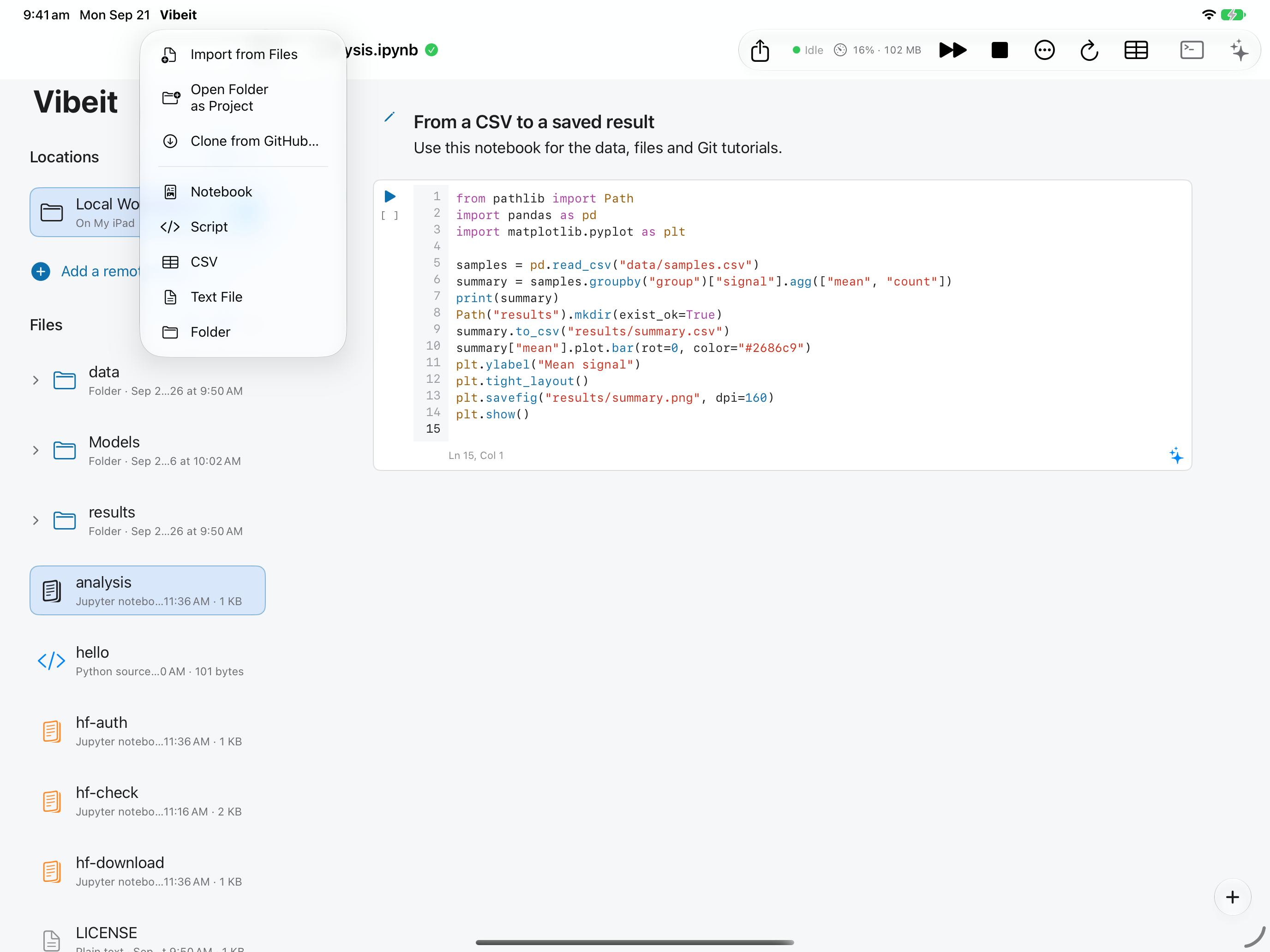
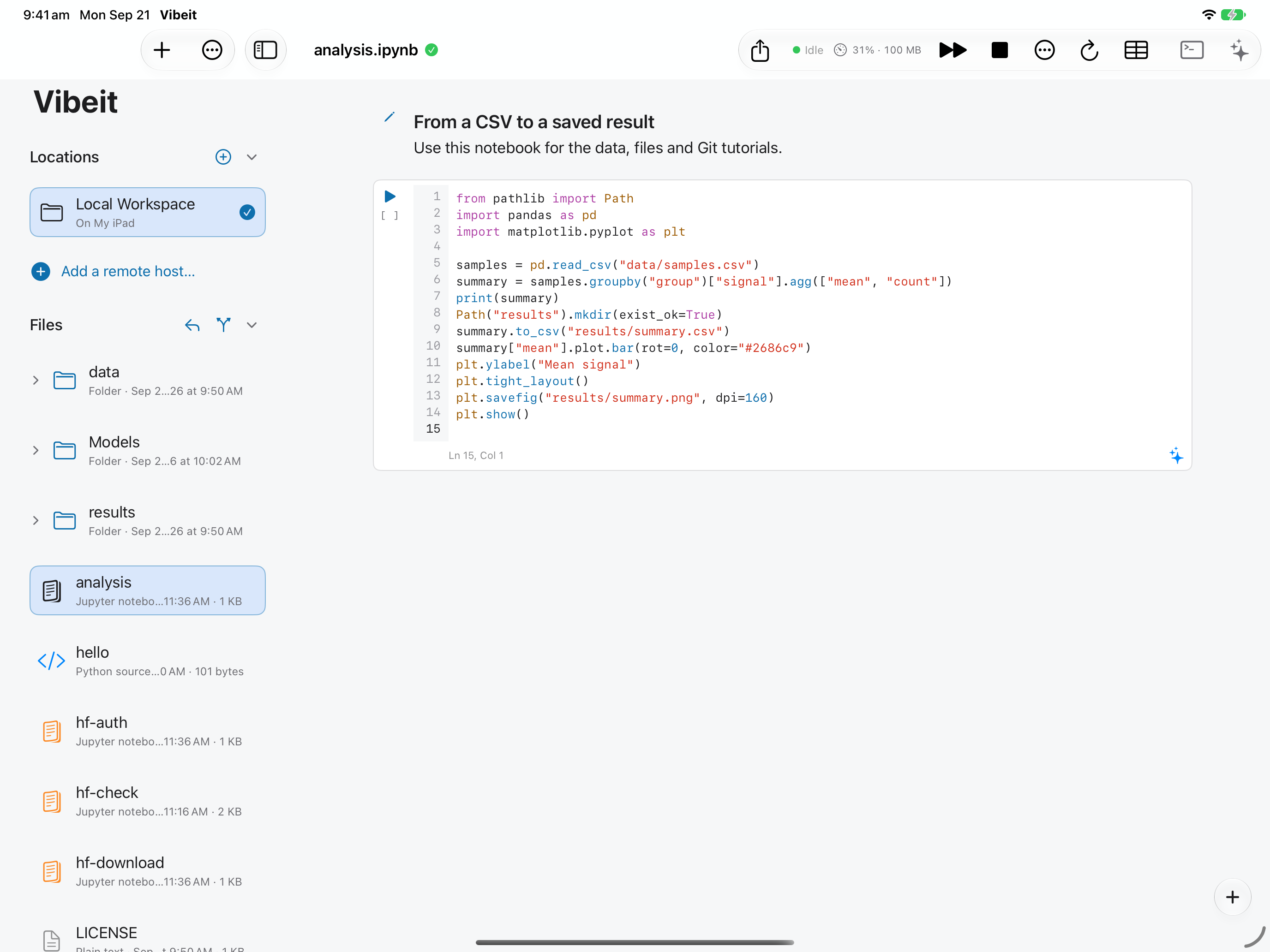
Section titled “What you will do”Keep a notebook and its data together, and save copies outside Vibeit.
Before you start
Section titled “Before you start”- An active Standard or Pro subscription, or an eligible trial.
Download the tutorial workspace
Where to start
Section titled “Where to start”File browser → +
Follow the steps
Section titled “Follow the steps”Screenshot capture is in progress for this preview. This page is not approved for publication.
See the control up close
1
2
3
4
Check the result
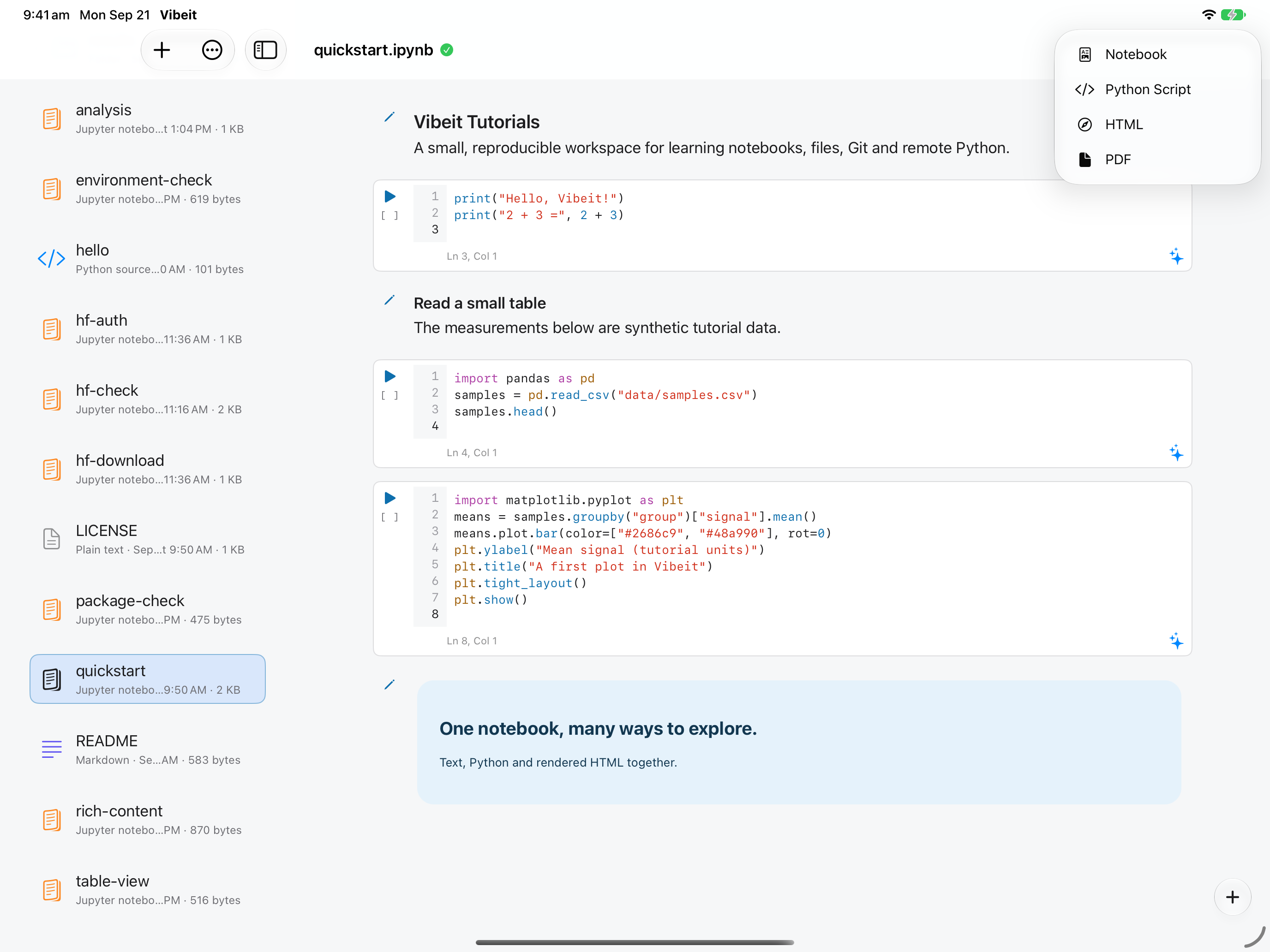
Section titled “Check the result”Use the notebook’s share/export control and choose the required format and destination in the system sheet. Reopen the exported file to check it.
If it does not work
Section titled “If it does not work”- If a file is missing, return to the file browser and confirm which workspace or folder is active.
- If a run fails, read the first error line and check that earlier cells and required packages are available.