Run, interrupt and restart the kernel
이 콘텐츠는 아직 번역되지 않았습니다.
What you will do
Section titled “What you will do”Understand execution order, stop a long task, and start with a fresh Python state.
Before you start
Section titled “Before you start”- An active Standard or Pro subscription, or an eligible trial.
Download the tutorial workspace
Where to start
Section titled “Where to start”Open a notebook → execution controls
Follow the steps
Section titled “Follow the steps”Screenshot capture is in progress for this preview. This page is not approved for publication.
See the control up close
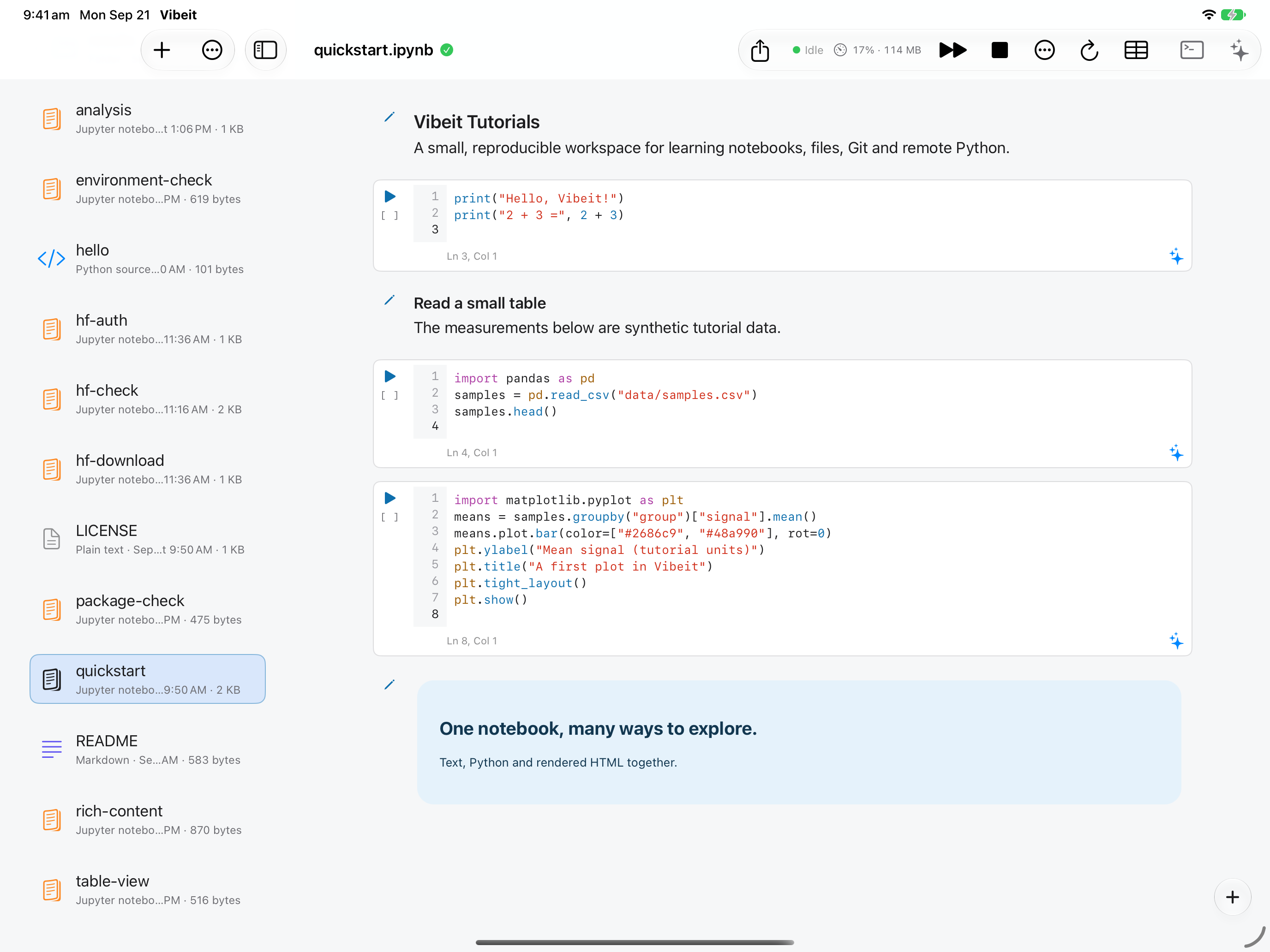
1
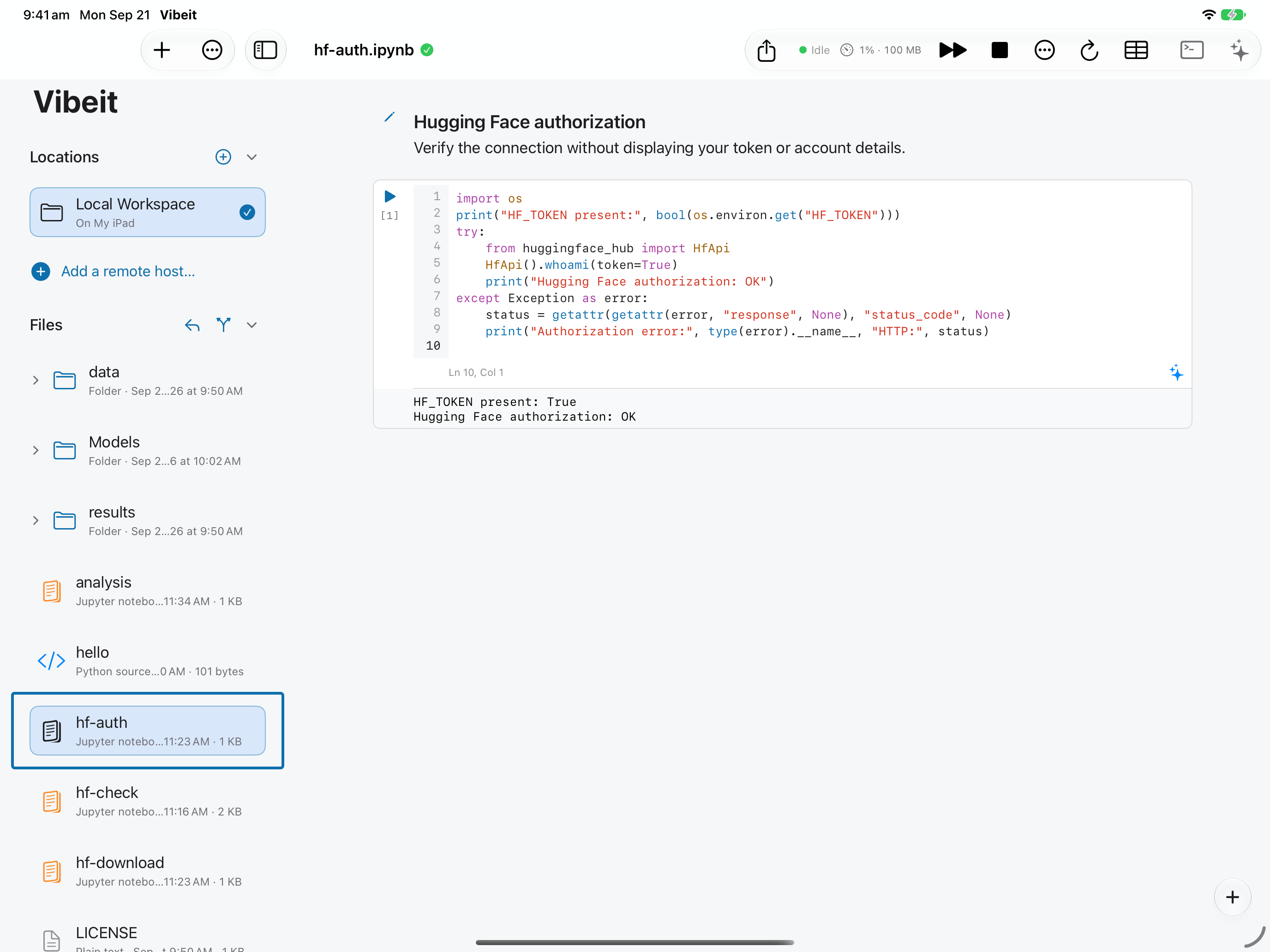
2
3
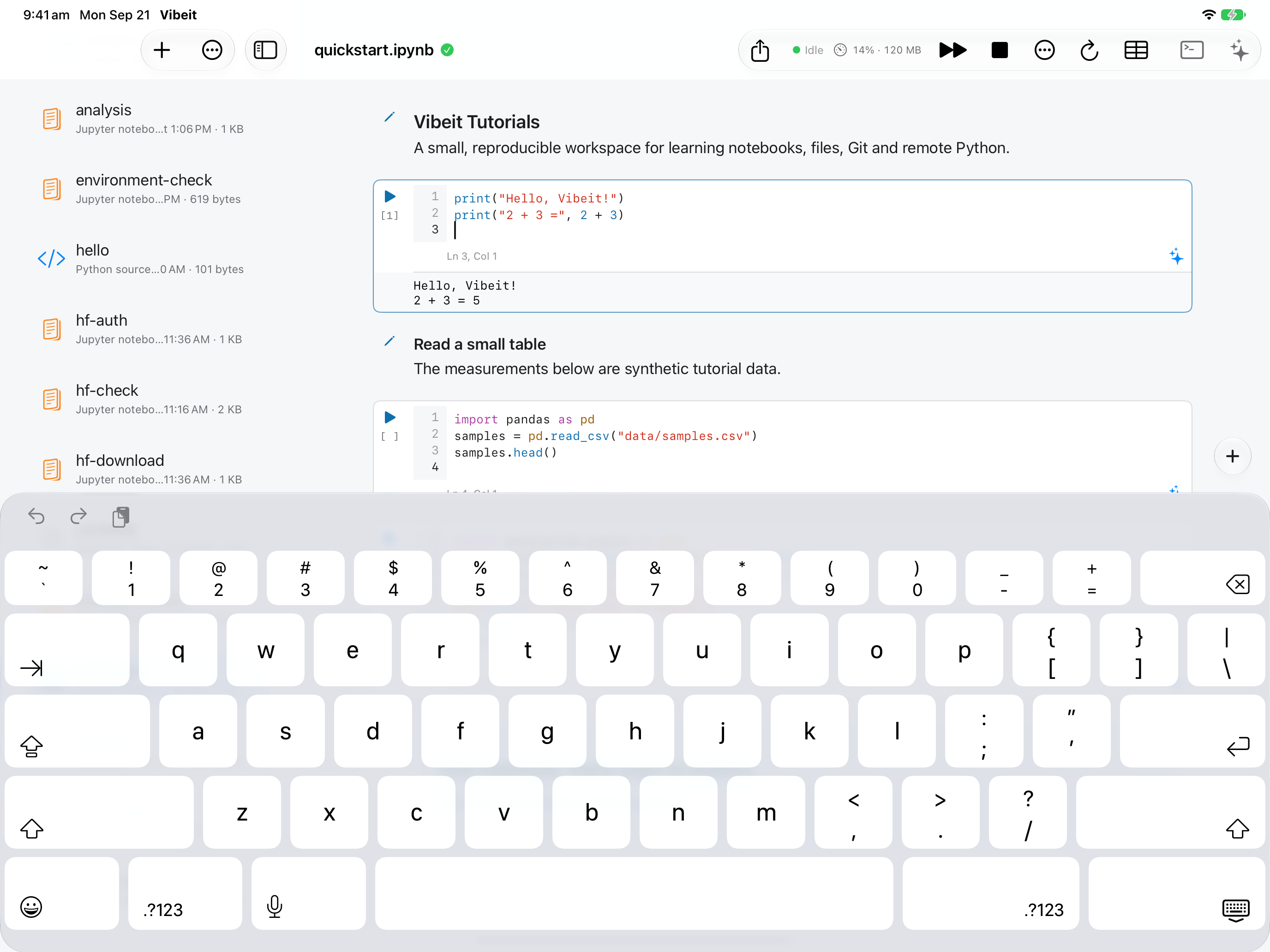
4
Check the result
Section titled “Check the result”After a restart, recreate variables by running the notebook in order. A NameError often means an earlier defining cell has not run.
If it does not work
Section titled “If it does not work”- For NameError, run the cell that defines the missing name.
- For FileNotFoundError, check the working folder and keep the data directory beside the notebook.
- For ModuleNotFoundError, check package availability; downloading a file does not install its Python package.