Use code, Markdown and HTML cells
Questi contenuti non sono ancora disponibili nella tua lingua.
What you will do
Section titled “What you will do”Choose the right cell type and switch between reading and editing rich content.
Before you start
Section titled “Before you start”- An active Standard or Pro subscription, or an eligible trial.
Download the tutorial workspace
Where to start
Section titled “Where to start”Open a notebook → cell controls
Follow the steps
Section titled “Follow the steps”Screenshot capture is in progress for this preview. This page is not approved for publication.
See the control up close
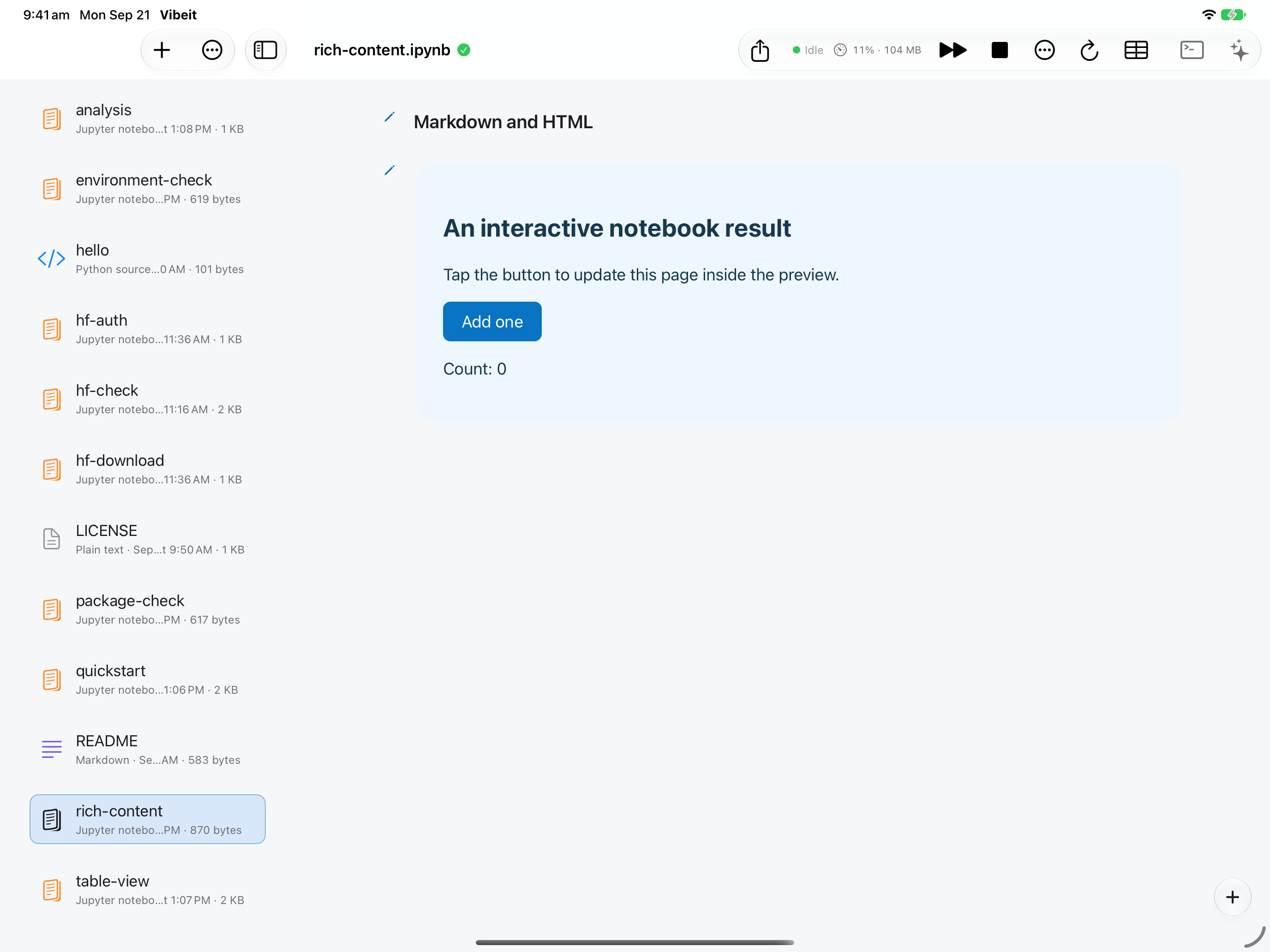
1
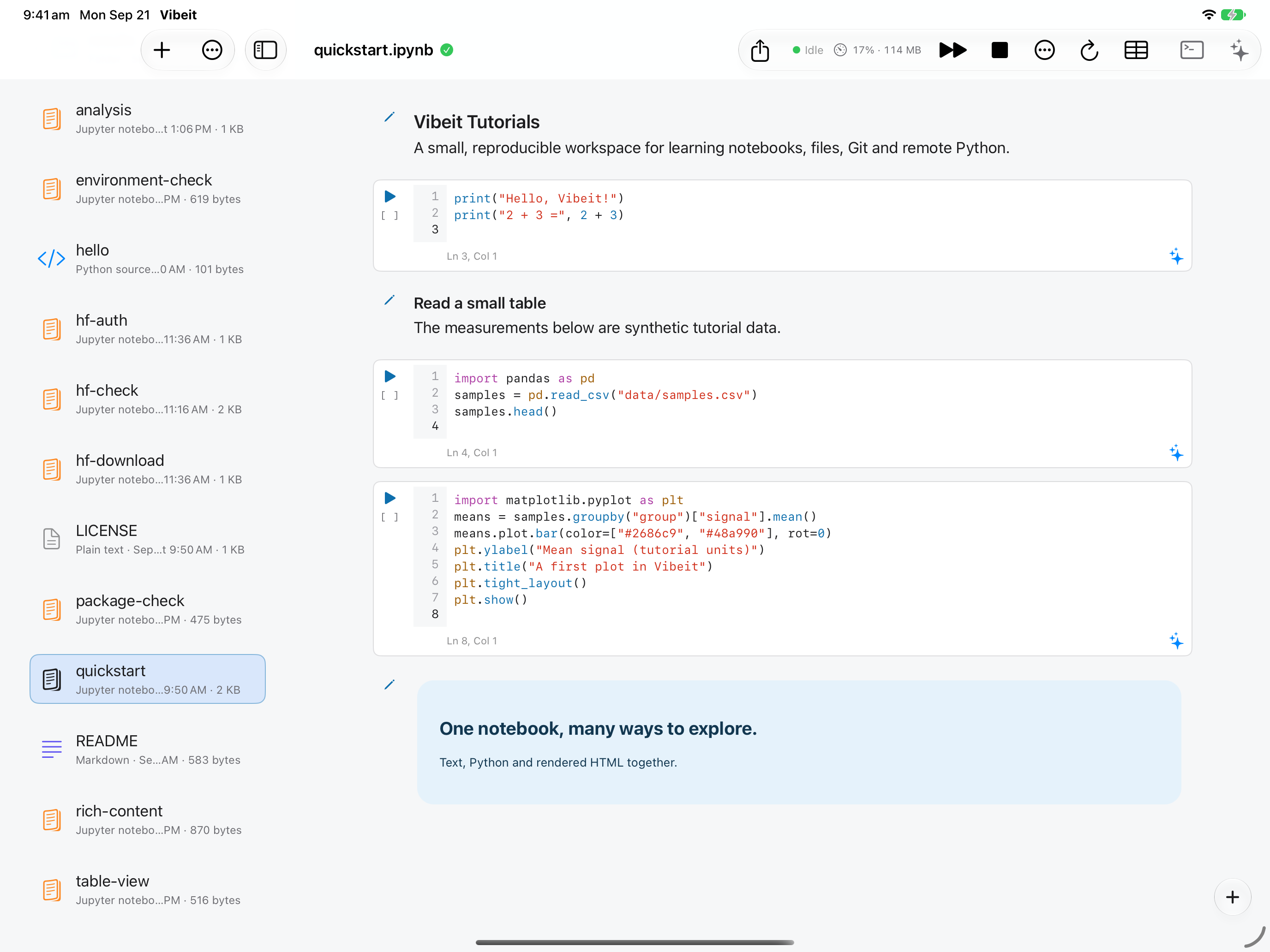
2
3
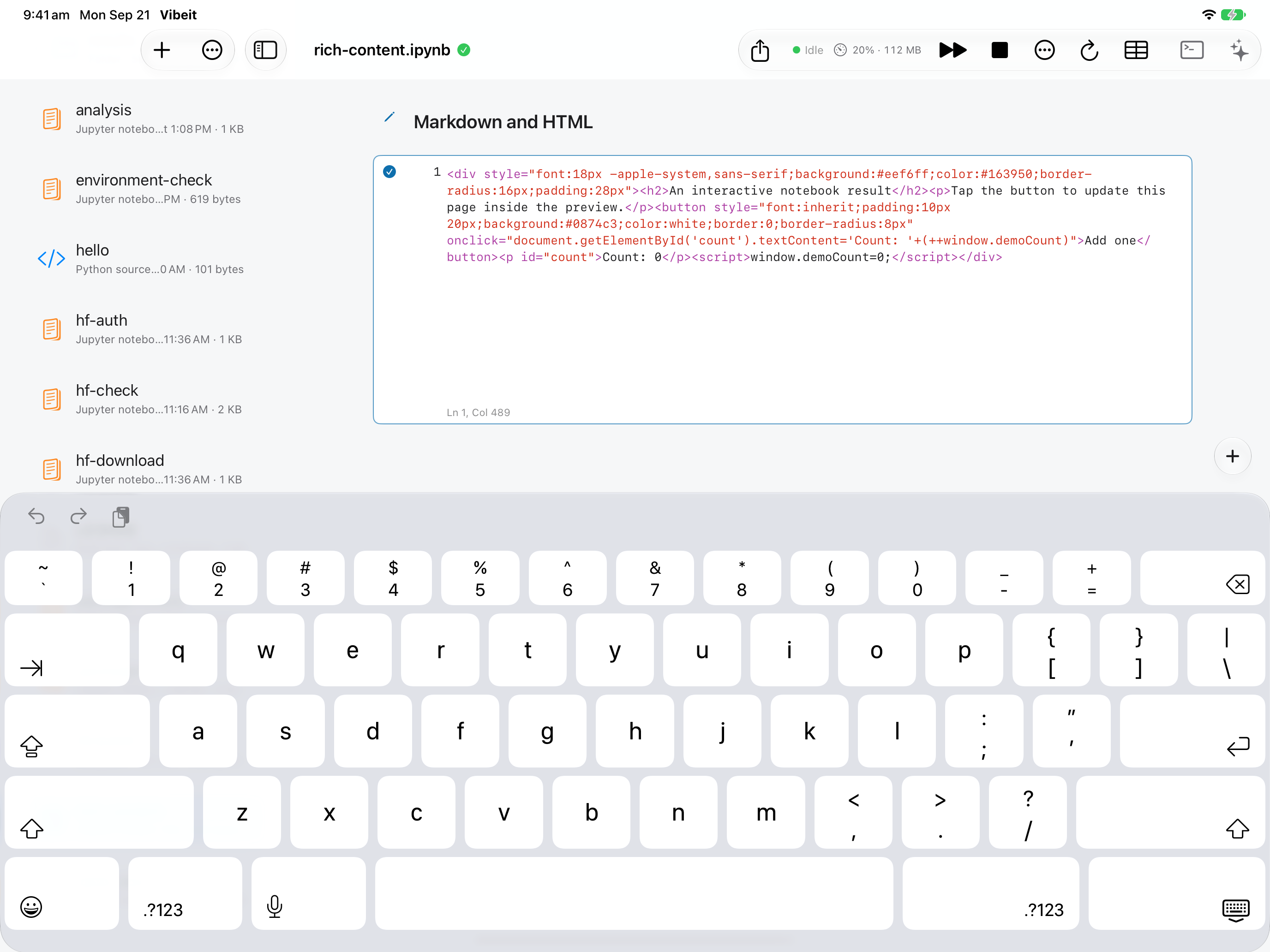
4
Check the result
Section titled “Check the result”Use the finish-editing control to return to the rendered result. Your source remains available whenever you edit again.
If it does not work
Section titled “If it does not work”- For NameError, run the cell that defines the missing name.
- For FileNotFoundError, check the working folder and keep the data directory beside the notebook.
- For ModuleNotFoundError, check package availability; downloading a file does not install its Python package.