Screenshot capture is in progress for this preview. This page is not approved for publication.
See the control up close
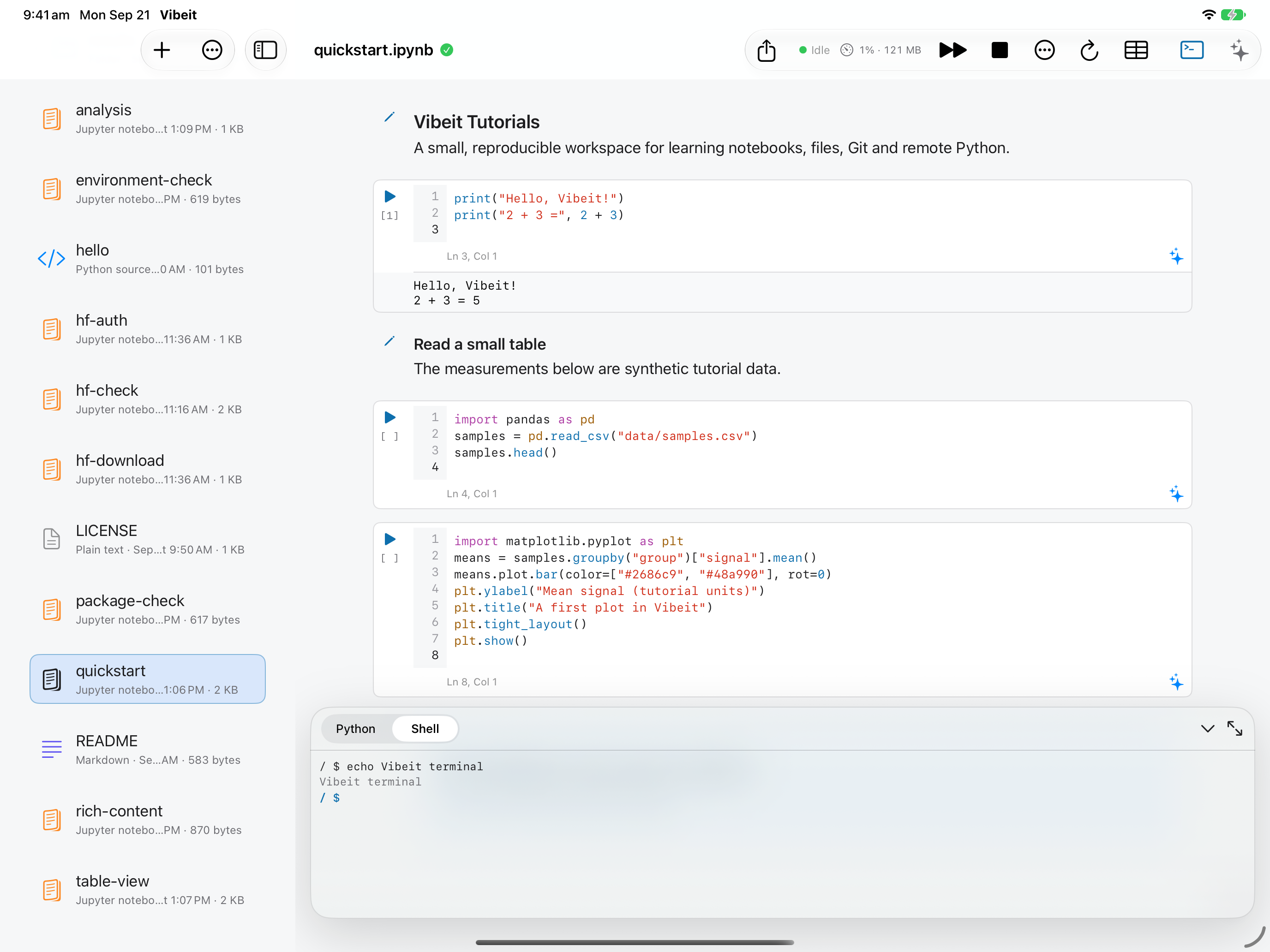
1. Focus the terminal window — Open the terminal and tap inside its surface. Type at the blinking cursor; there is no separate command-send box in this terminal.
1
2. Run a harmless command — Enter pwd and press Return to see the current directory. Check the active location before running commands.
pwd
2
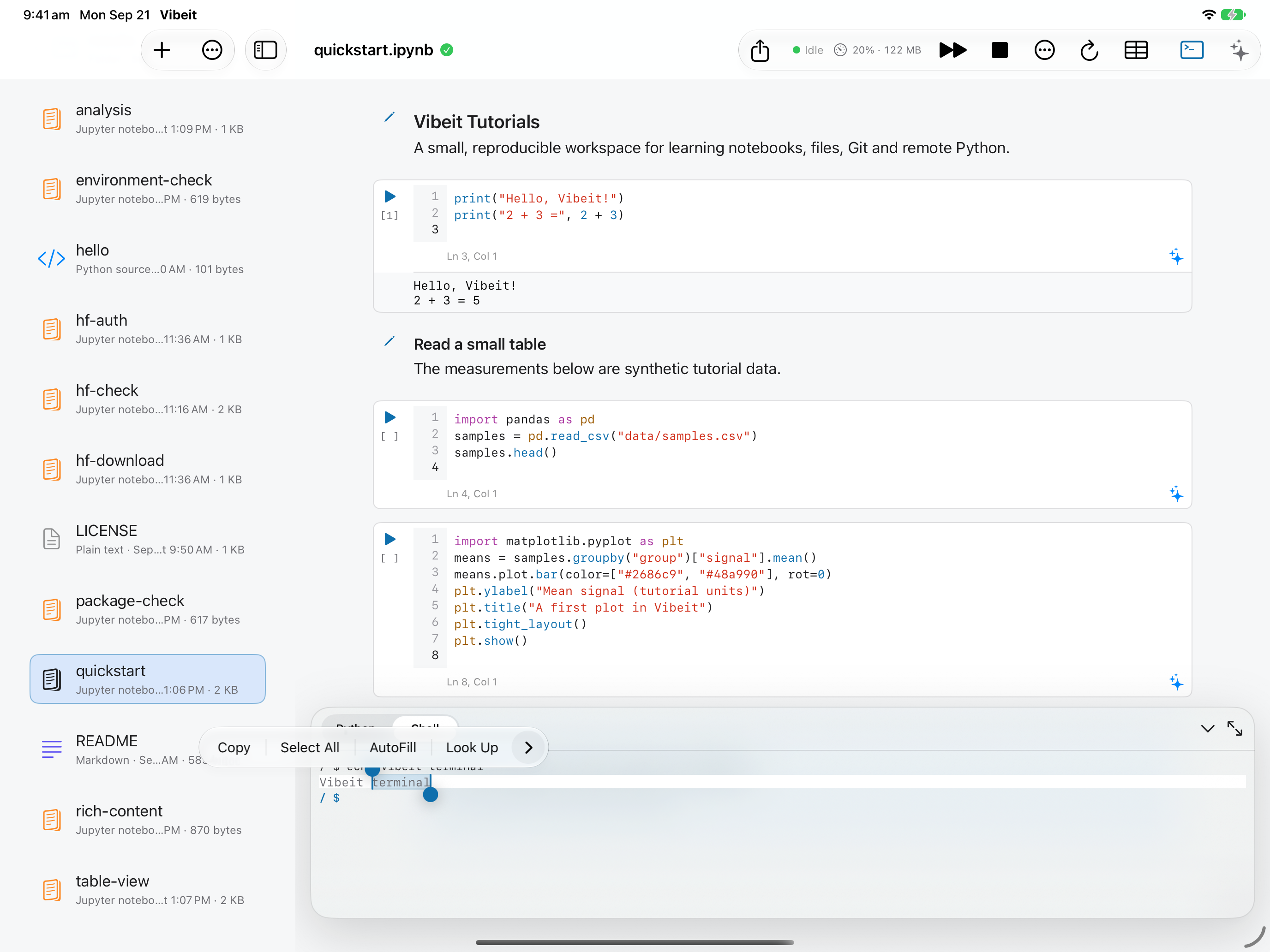
3. Use the system editing menu — Long-press terminal text to select it, adjust the selection handles and choose Copy. Focus the terminal and long-press for Paste when the system menu offers it.
3
4. Use keyboard shortcuts carefully — With a hardware keyboard, use Command–C and Command–V for copy/paste when text selection is active. Control–C interrupts the foreground command; it is not the copy shortcut.
4
5. Check the remote alternative — A remote terminal sends commands to the server. Local iPad commands and available packages differ from a desktop or Linux shell.