Restore a previous purchase
Questi contenuti non sono ancora disponibili nella tua lingua.
What you will do
Section titled “What you will do”Ask the App Store to refresh an existing subscription entitlement.
Before you start
Section titled “Before you start”- A working internet connection for the service or download used in this tutorial.
Download the tutorial workspace
Where to start
Section titled “Where to start”Settings → Account → Restore Purchases
Follow the steps
Section titled “Follow the steps”Screenshot capture is in progress for this preview. This page is not approved for publication.
See the control up close
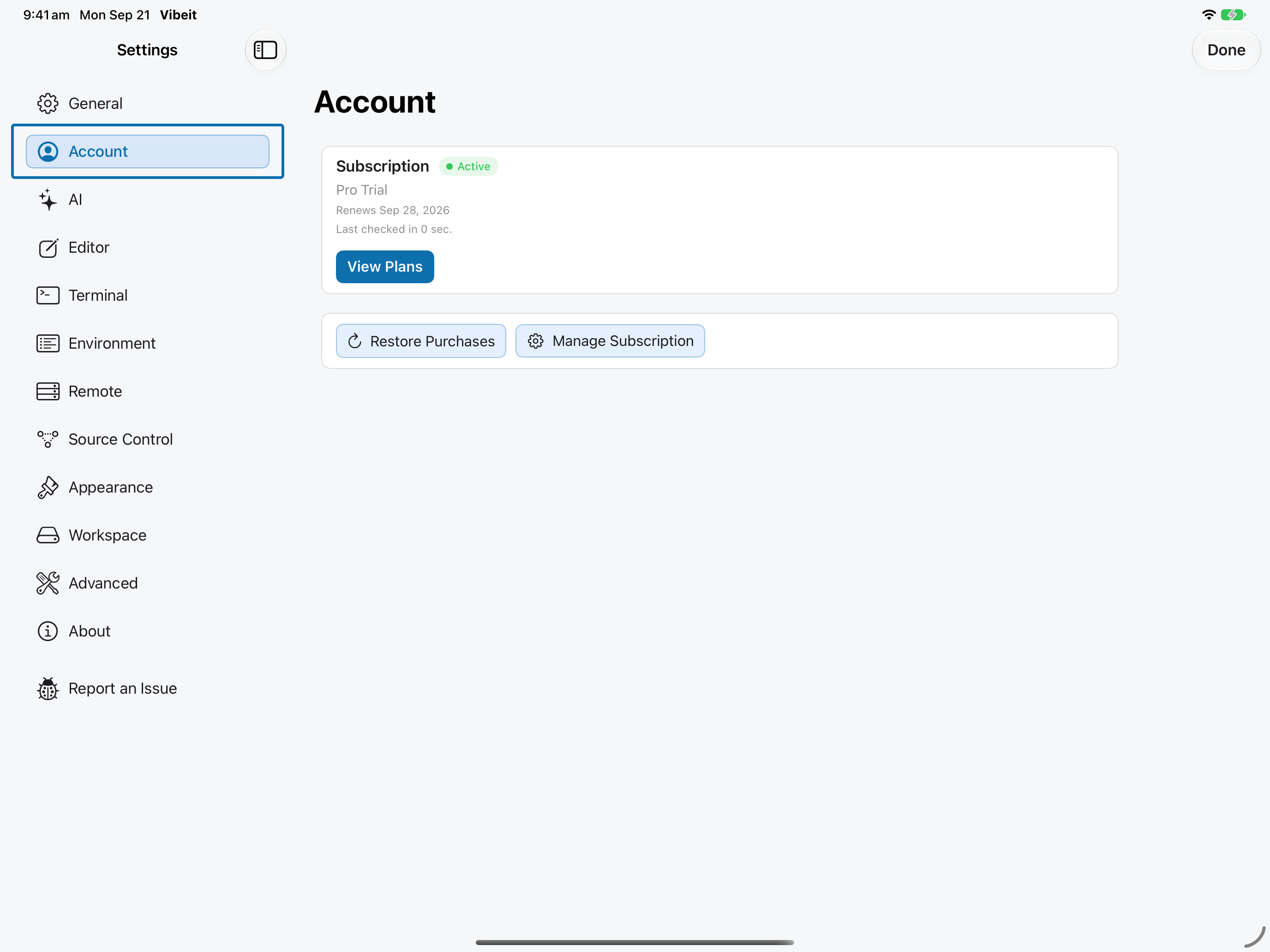
1
2
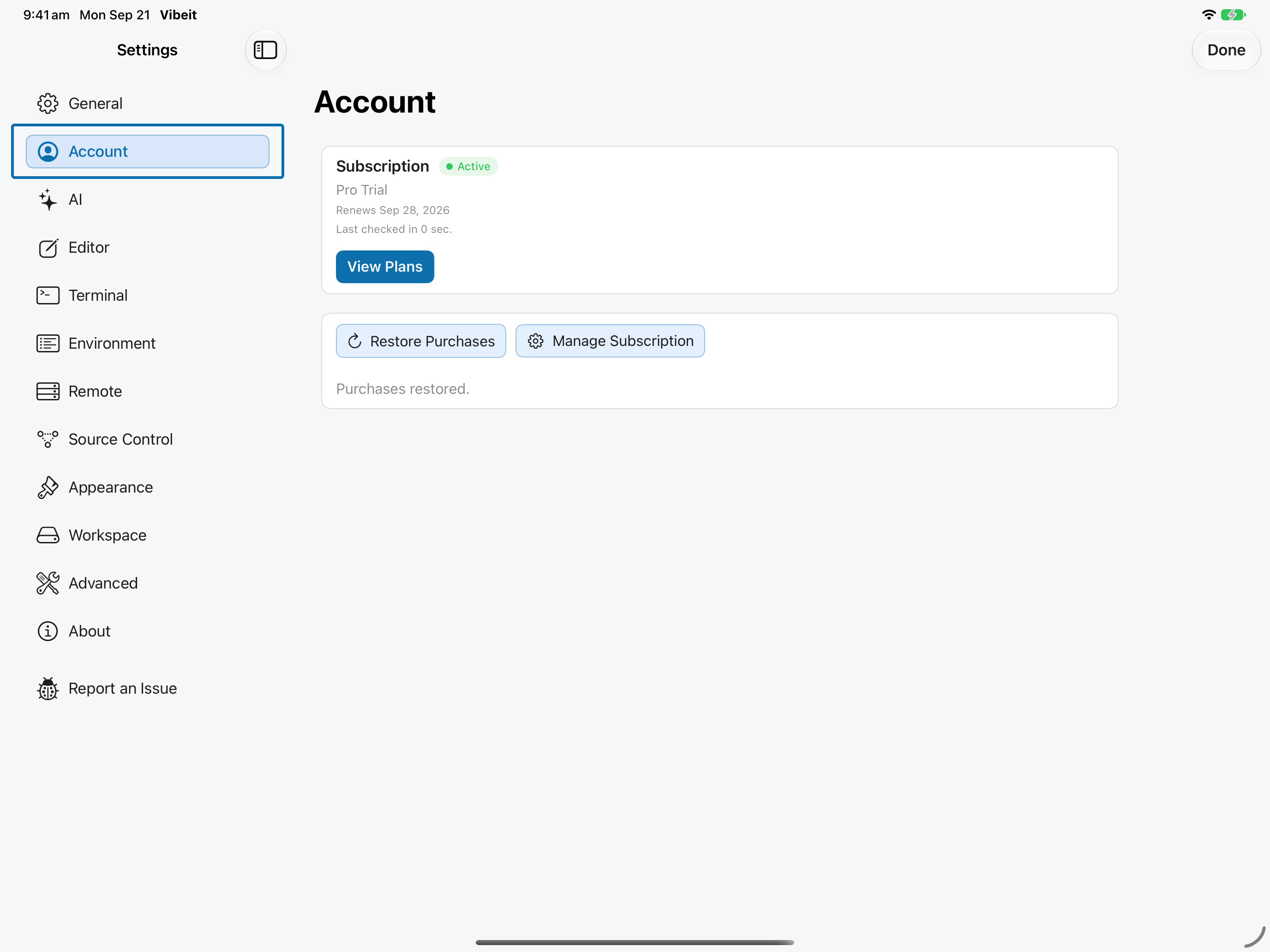
3
4
Check the result
Section titled “Check the result”If no active purchase is found, inspect the offered plans. If Apple shows an active subscription but Vibeit does not, send a report with the version and error message.
If it does not work
Section titled “If it does not work”- Restore Purchases uses the Apple Account that made the purchase. An empty restore result does not create a subscription.
- Include the App version, device, steps and exact error message when reporting a problem; omit secrets.