Learn with the example gallery
このコンテンツはまだ日本語訳がありません。
What you will do
Section titled “What you will do”Open a guided example as a working notebook and run it in order.
Before you start
Section titled “Before you start”- An active Standard or Pro subscription, or an eligible trial.
Download the tutorial workspace
Where to start
Section titled “Where to start”File browser → … → Example Gallery
Follow the steps
Section titled “Follow the steps”Screenshot capture is in progress for this preview. This page is not approved for publication.
See the control up close
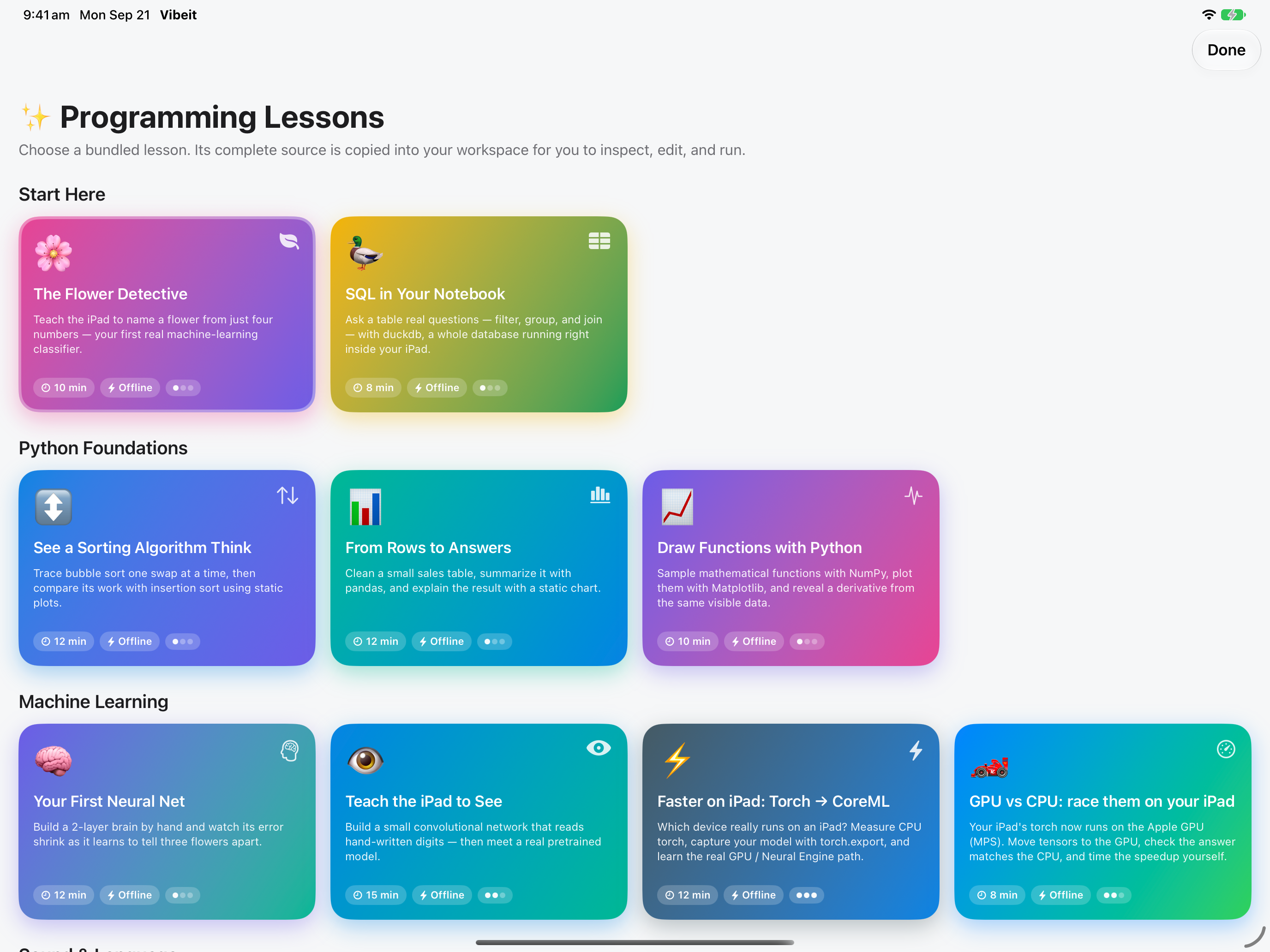
1
2
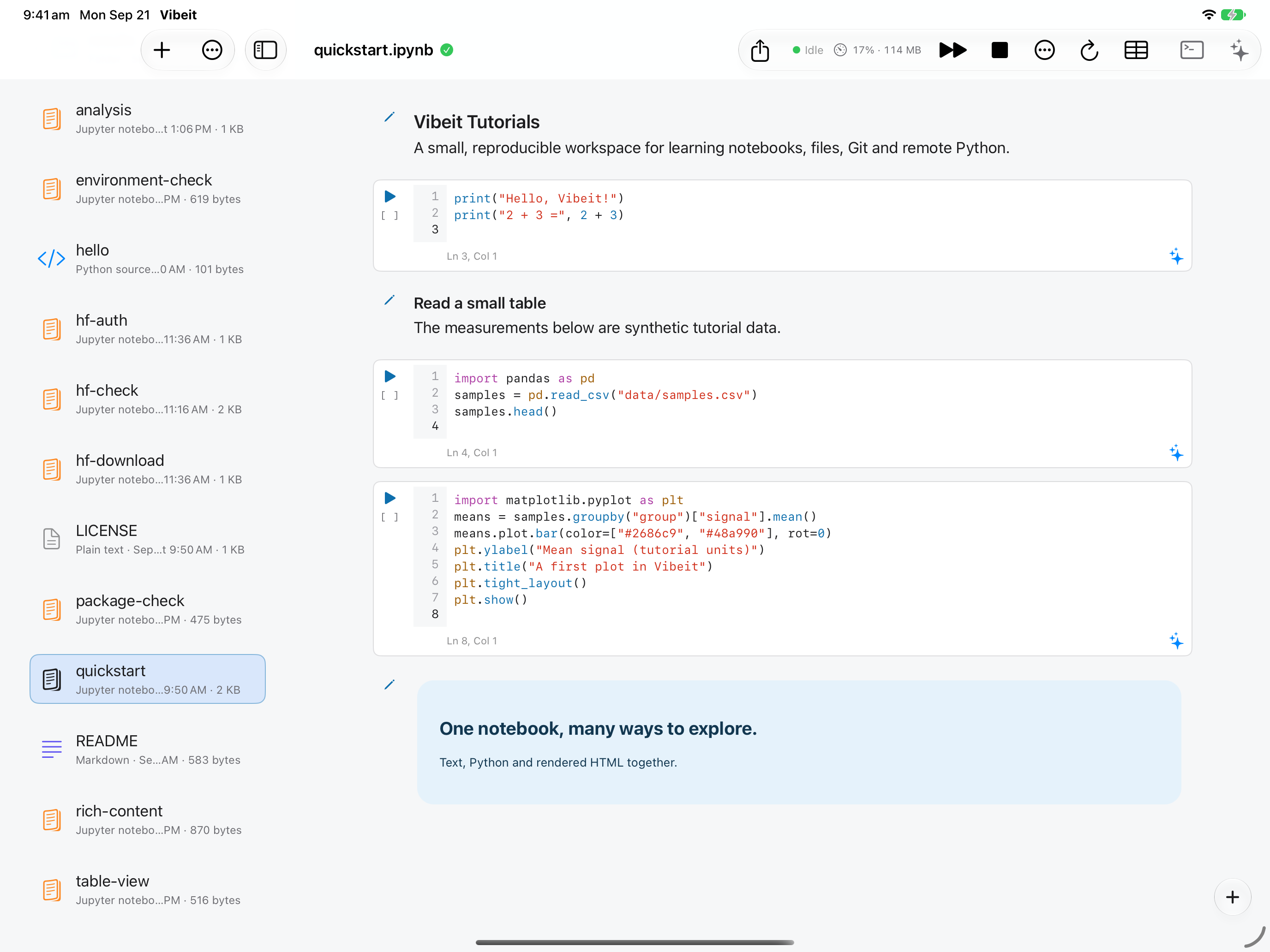
3
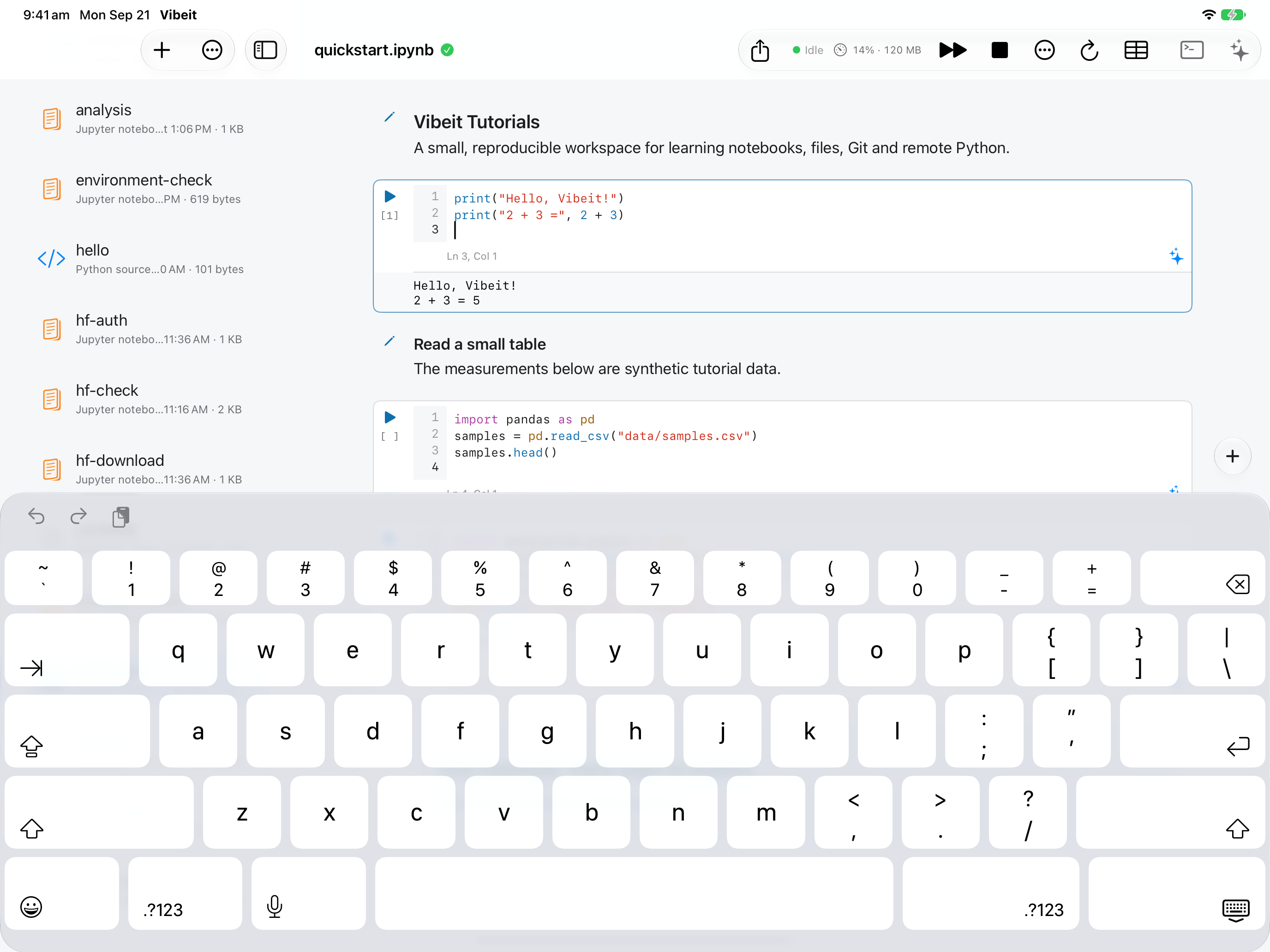
4
Check the result
Section titled “Check the result”Change one value, rerun the relevant cells, and compare the output. Keep a copy before making larger changes.
If it does not work
Section titled “If it does not work”- If a file is missing, return to the file browser and confirm which workspace or folder is active.
- If a run fails, read the first error line and check that earlier cells and required packages are available.