Set environment variables
このコンテンツはまだ日本語訳がありません。
What you will do
Section titled “What you will do”Pass project configuration to a fresh Python kernel and terminal.
Before you start
Section titled “Before you start”- An active Standard or Pro subscription, or an eligible trial.
Download the tutorial workspace
Where to start
Section titled “Where to start”Settings → Environment → Environment Variables
Follow the steps
Section titled “Follow the steps”import os print(os.environ.get("VIBEIT_DEMO"))
Screenshot capture is in progress for this preview. This page is not approved for publication.
See the control up close
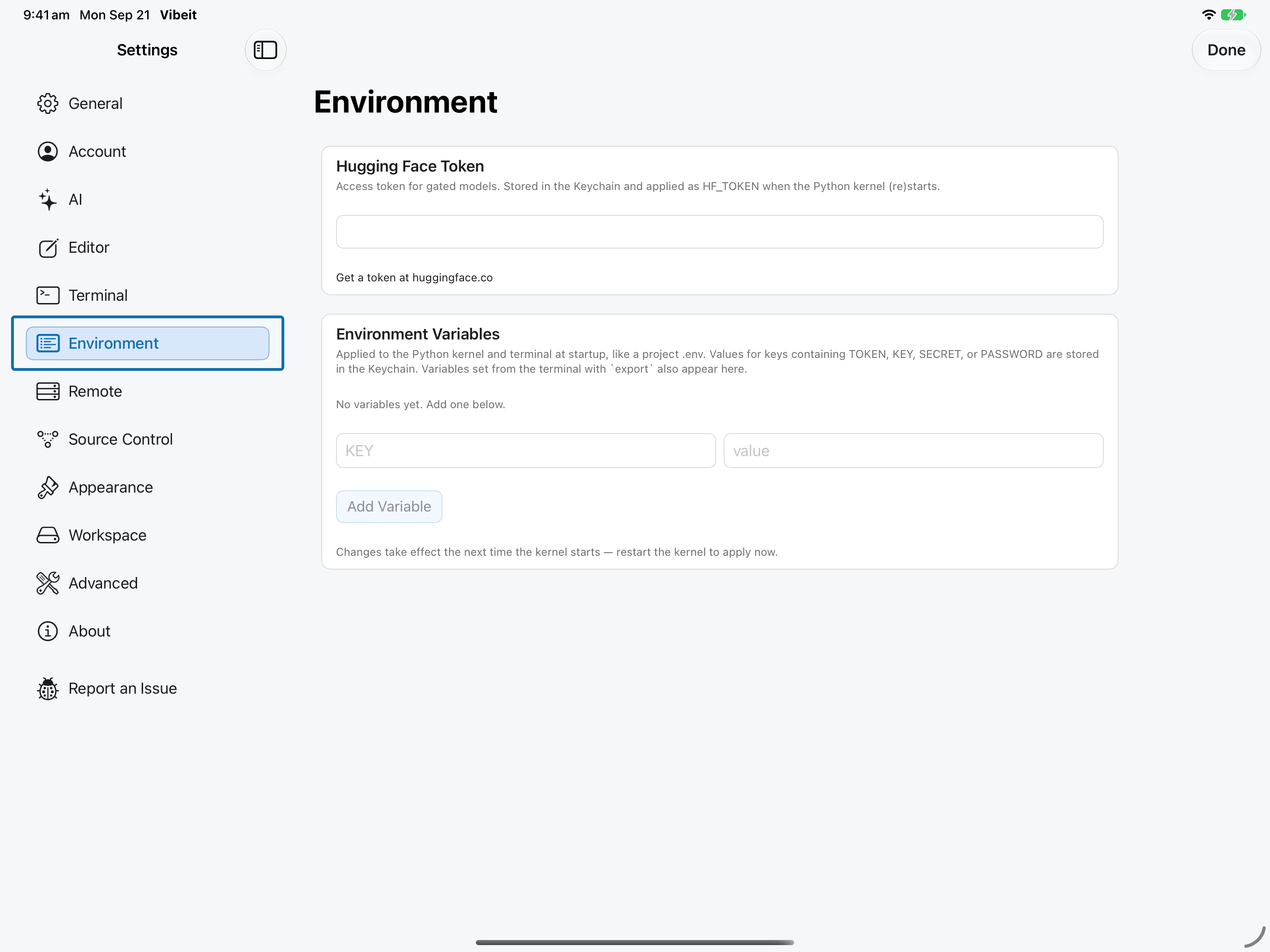
1
2
3
import os
print(os.environ.get("VIBEIT_DEMO"))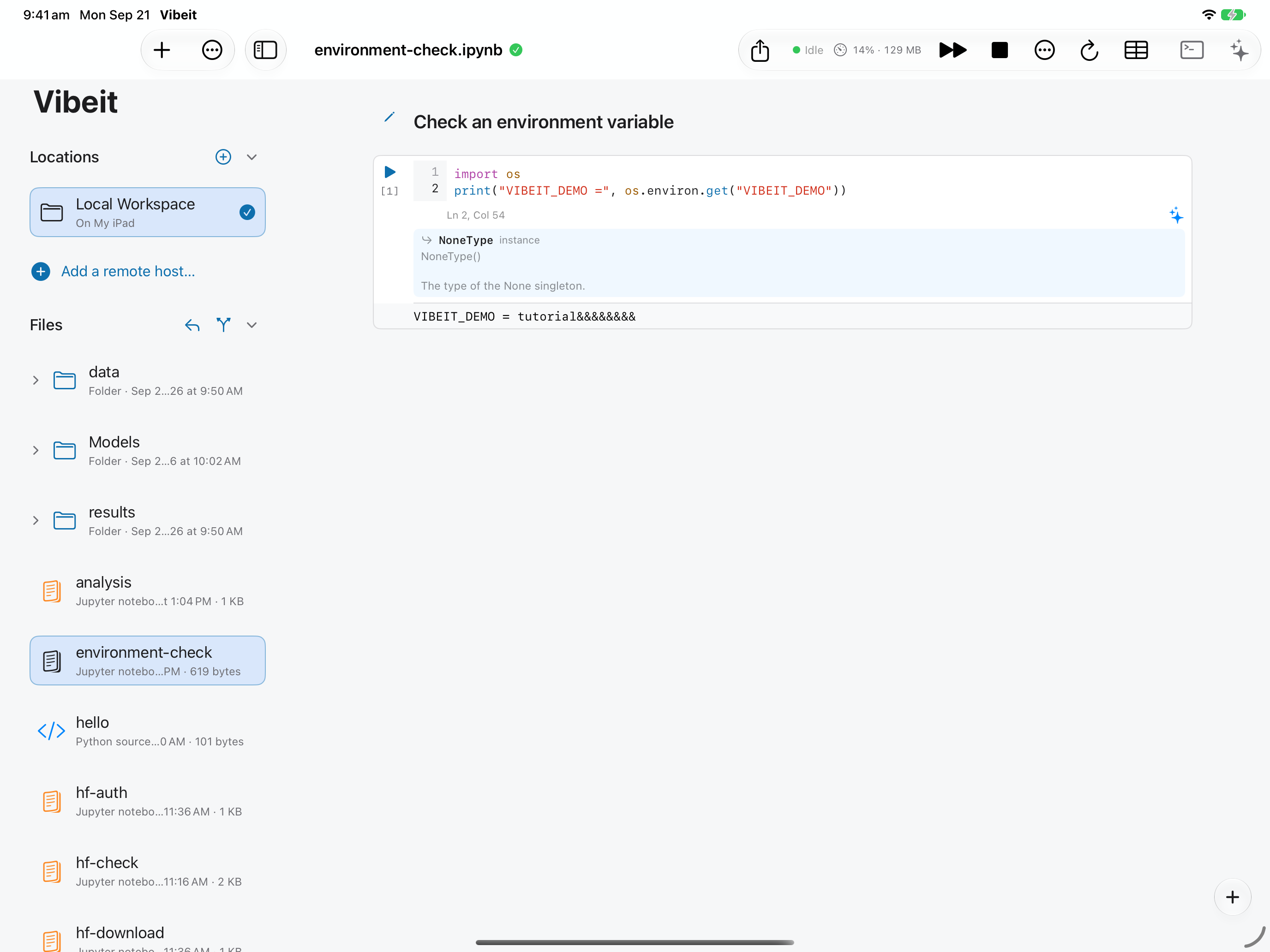
4
Check the result
Section titled “Check the result”The new kernel prints tutorial.
If it does not work
Section titled “If it does not work”- If a newly saved token or environment value is not visible to Python, restart the kernel.
- For 401/403 responses, check the token and the resource’s account permissions.
- If a file downloads but does not load, check its format, required packages and available memory.