Troubleshoot and report a problem
このコンテンツはまだ日本語訳がありません。
What you will do
Section titled “What you will do”Collect useful evidence and send a bug report from Settings.
Before you start
Section titled “Before you start”- A working internet connection for the service or download used in this tutorial.
Download the tutorial workspace
Where to start
Section titled “Where to start”Settings → Report an Issue
Follow the steps
Section titled “Follow the steps”Screenshot capture is in progress for this preview. This page is not approved for publication.
See the control up close
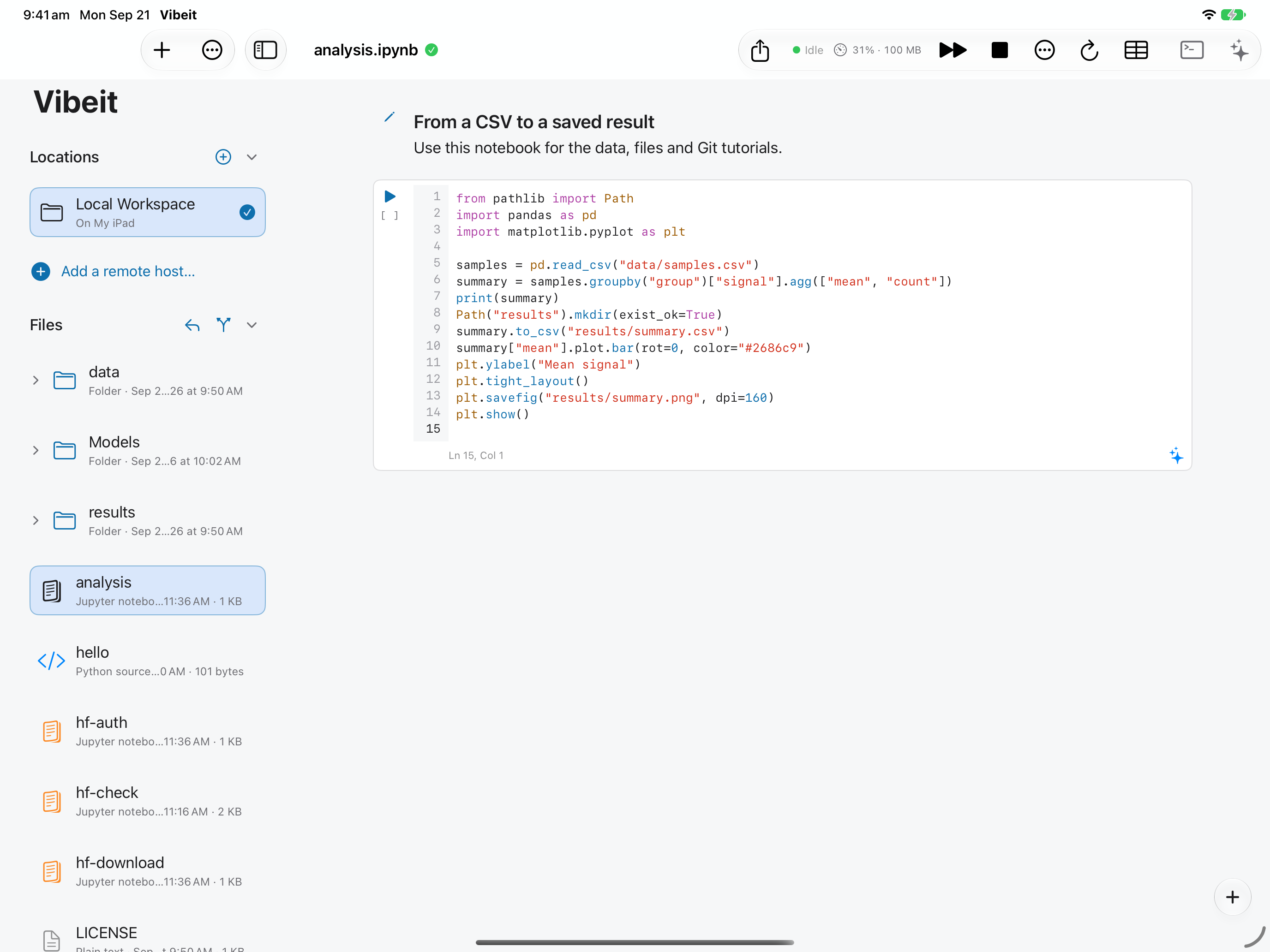
1
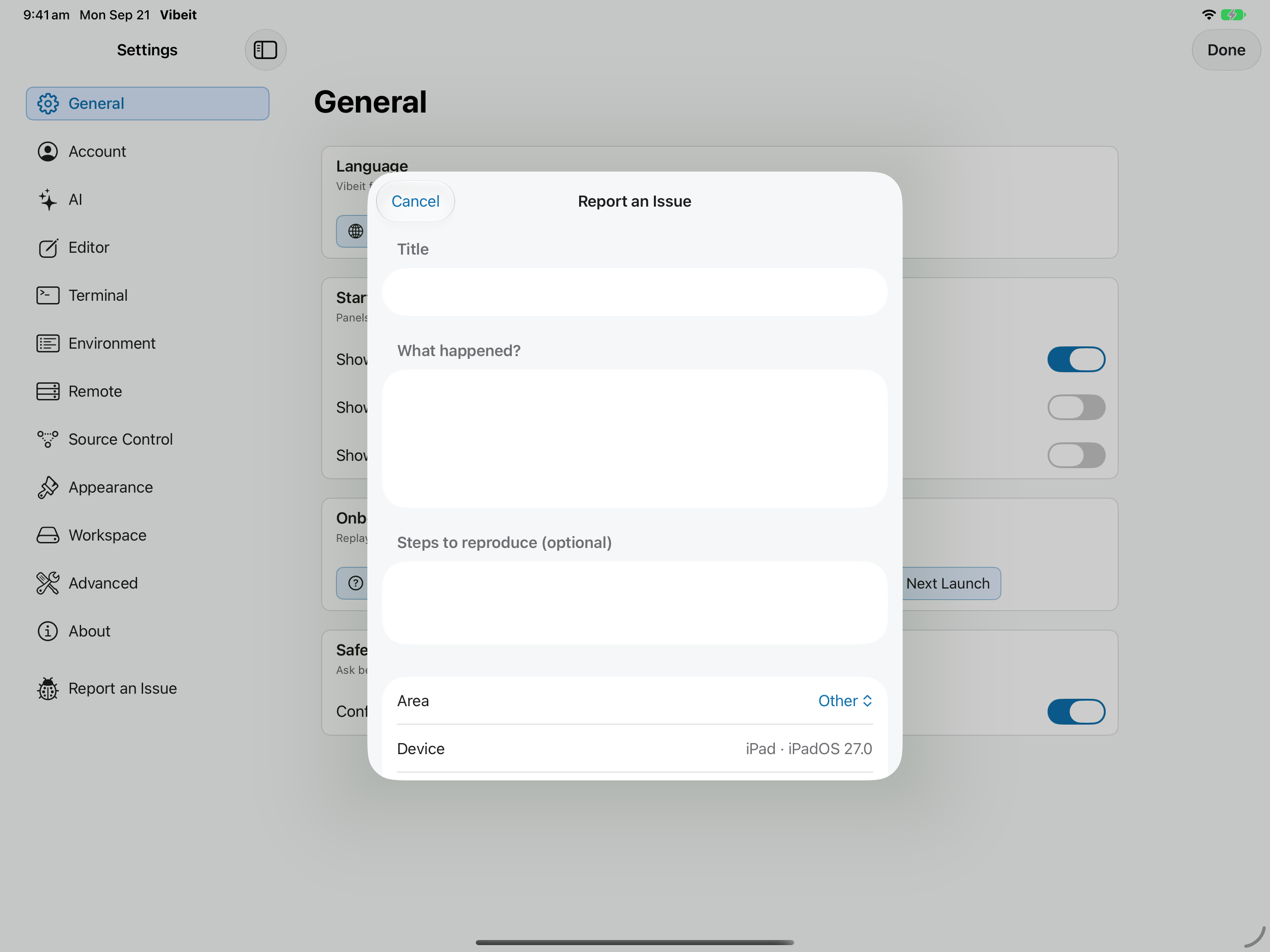
2
3
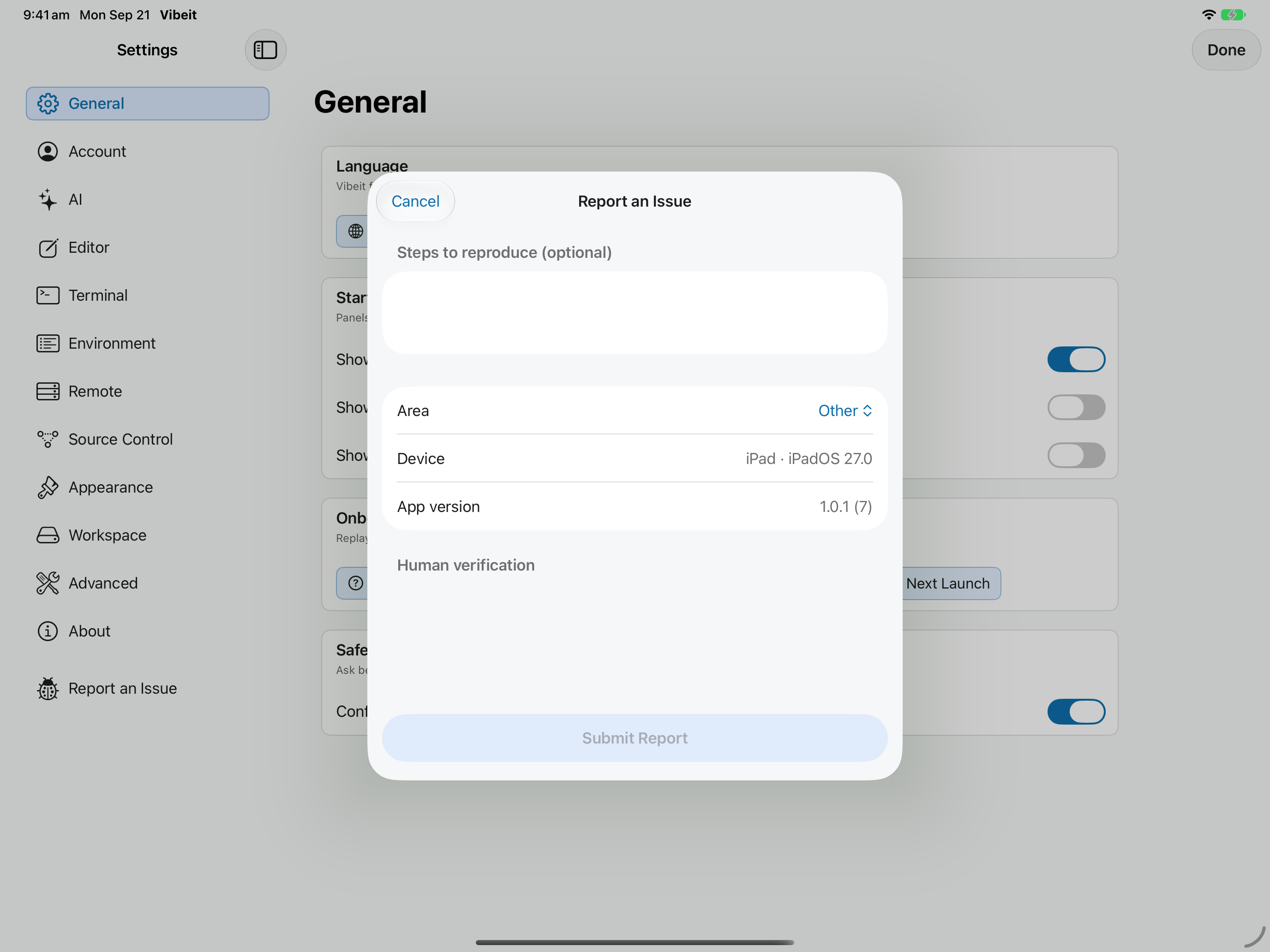
4
Check the result
Section titled “Check the result”Complete the required fields and any Human verification prompt, then use Submit Report. Read the result; if sending fails, use the support contact link below.
If it does not work
Section titled “If it does not work”- Restore Purchases uses the Apple Account that made the purchase. An empty restore result does not create a subscription.
- Include the App version, device, steps and exact error message when reporting a problem; omit secrets.