Download and manage model files
เนื้อหานี้ยังไม่มีในภาษาของคุณ
What you will do
Section titled “What you will do”Verify a small Hugging Face download before trying a large model.
Before you start
Section titled “Before you start”- An active Standard or Pro subscription, or an eligible trial.
- A working internet connection for the service or download used in this tutorial.
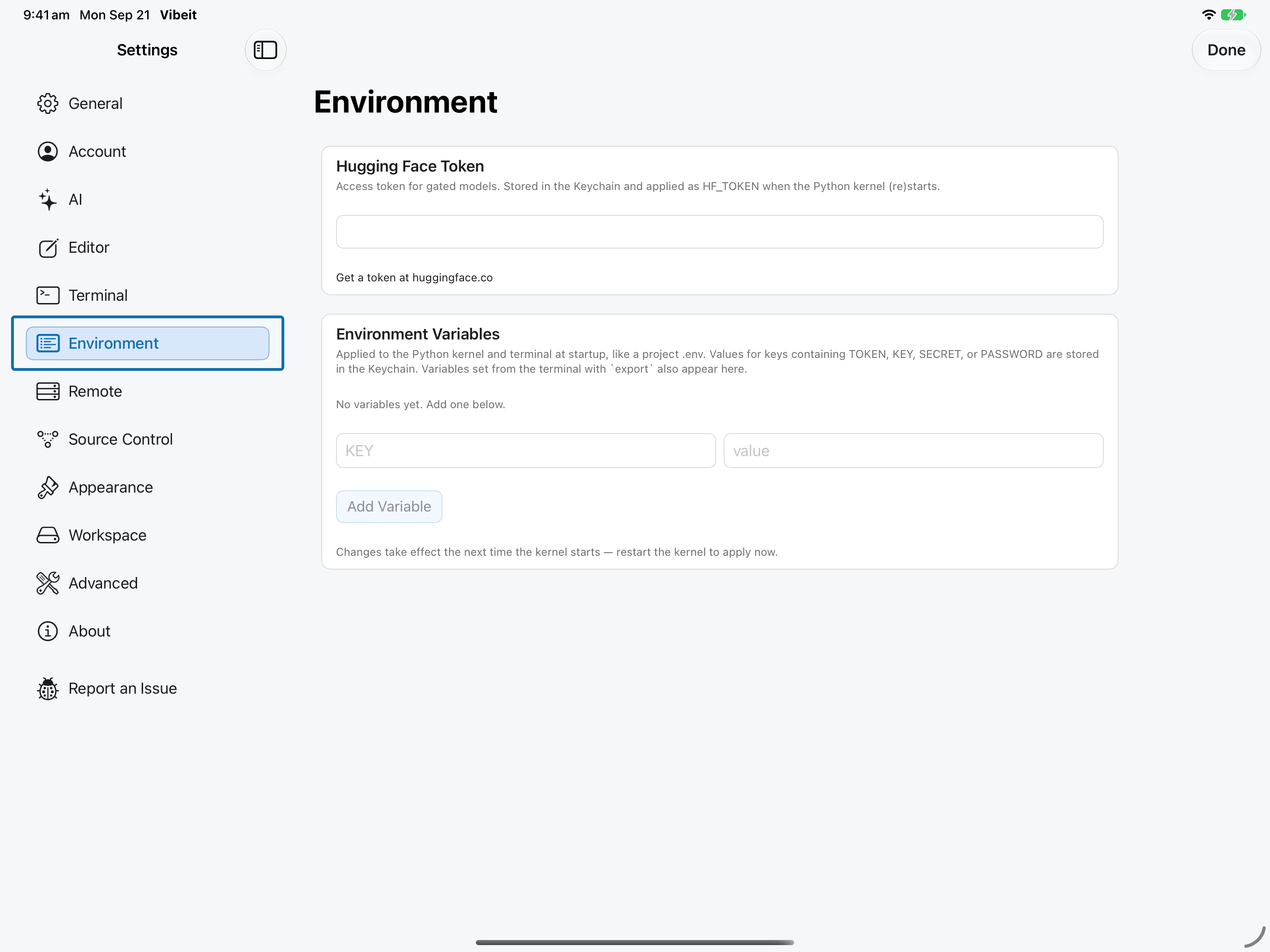
- A Hugging Face account and a token with the required resource permissions, if the resource requires authentication.
Download the tutorial workspace
Where to start
Section titled “Where to start”Notebook → huggingface_hub
Follow the steps
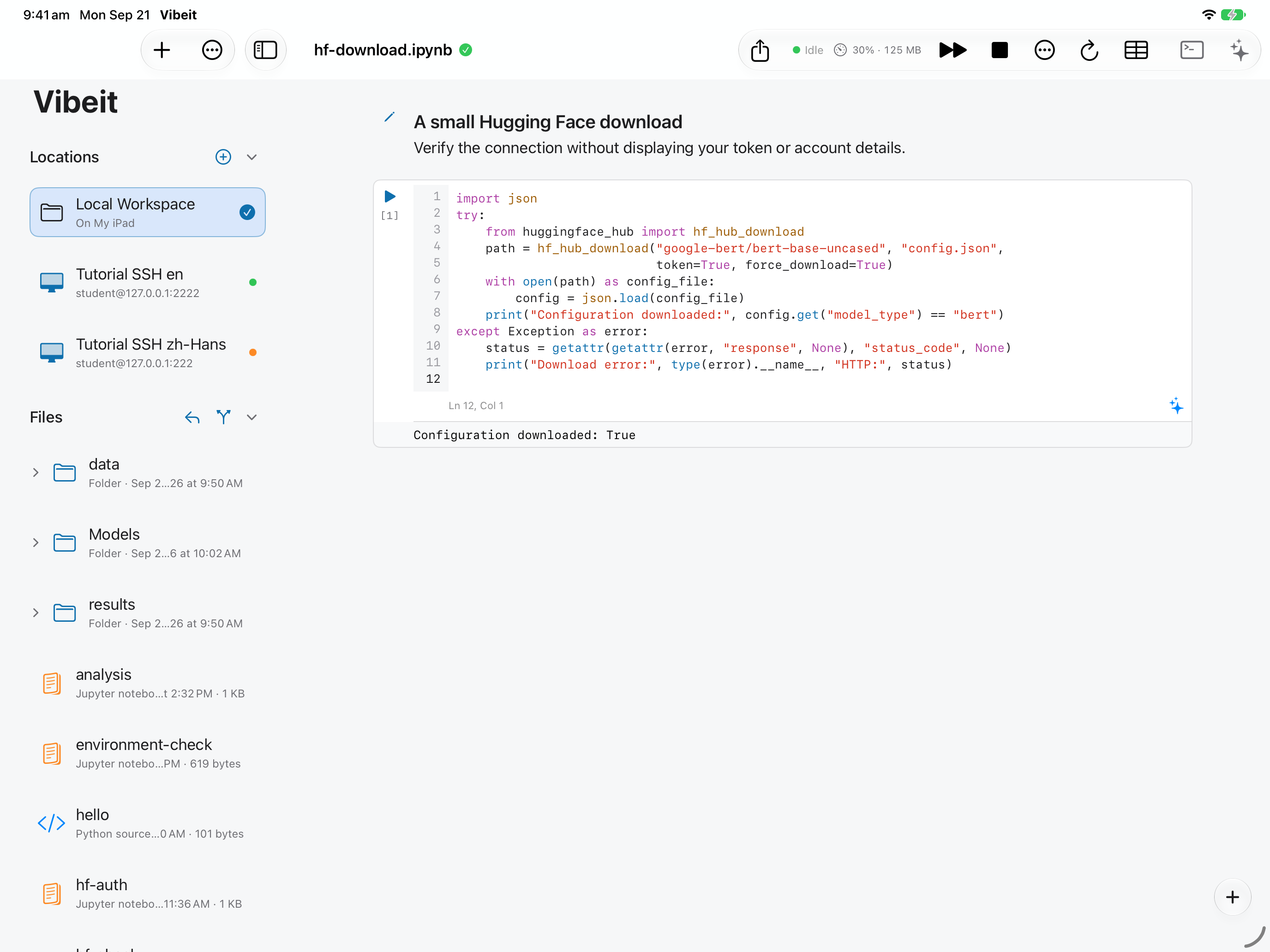
Section titled “Follow the steps”import json try: from huggingface_hub import hf_hub_download path = hf_hub_download("google-bert/bert-base-uncased", "config.json", token=True, force_download=True) with open(path) as config_file: config = json.load(config_file) print("Configuration downloaded:", config.get("model_type") == "bert") except Exception as error: status = getattr(getattr(error, "response", None), "status_code", None) print("Download error:", type(error).__name__, "HTTP:", status)
Screenshot capture is in progress for this preview. This page is not approved for publication.
See the control up close
1
import json
try:
    from huggingface_hub import hf_hub_download
    path = hf_hub_download("google-bert/bert-base-uncased", "config.json",
                           token=True, force_download=True)
    with open(path) as config_file:
        config = json.load(config_file)
    print("Configuration downloaded:", config.get("model_type") == "bert")
except Exception as error:
    status = getattr(getattr(error, "response", None), "status_code", None)
    print("Download error:", type(error).__name__, "HTTP:", status)
2
3
4
Check the result
Section titled “Check the result”Configuration downloaded: True confirms that the small configuration file was downloaded and parsed. It does not verify model inference or access to other models.
If it does not work
Section titled “If it does not work”- If a newly saved token or environment value is not visible to Python, restart the kernel.
- For 401/403 responses, check the token and the resource’s account permissions.
- If a file downloads but does not load, check its format, required packages and available memory.