Find and install compatible Python packages
เนื้อหานี้ยังไม่มีในภาษาของคุณ
What you will do
Section titled “What you will do”Find bundled libraries and install a compatible additional package.
Before you start
Section titled “Before you start”- An active Standard or Pro subscription, or an eligible trial.
- A working internet connection for the service or download used in this tutorial.
Download the tutorial workspace
Where to start
Section titled “Where to start”File browser → … → Packages
Follow the steps
Section titled “Follow the steps”import pandas print("pandas available:", pandas.__version__ is not None)
Screenshot capture is in progress for this preview. This page is not approved for publication.
See the control up close
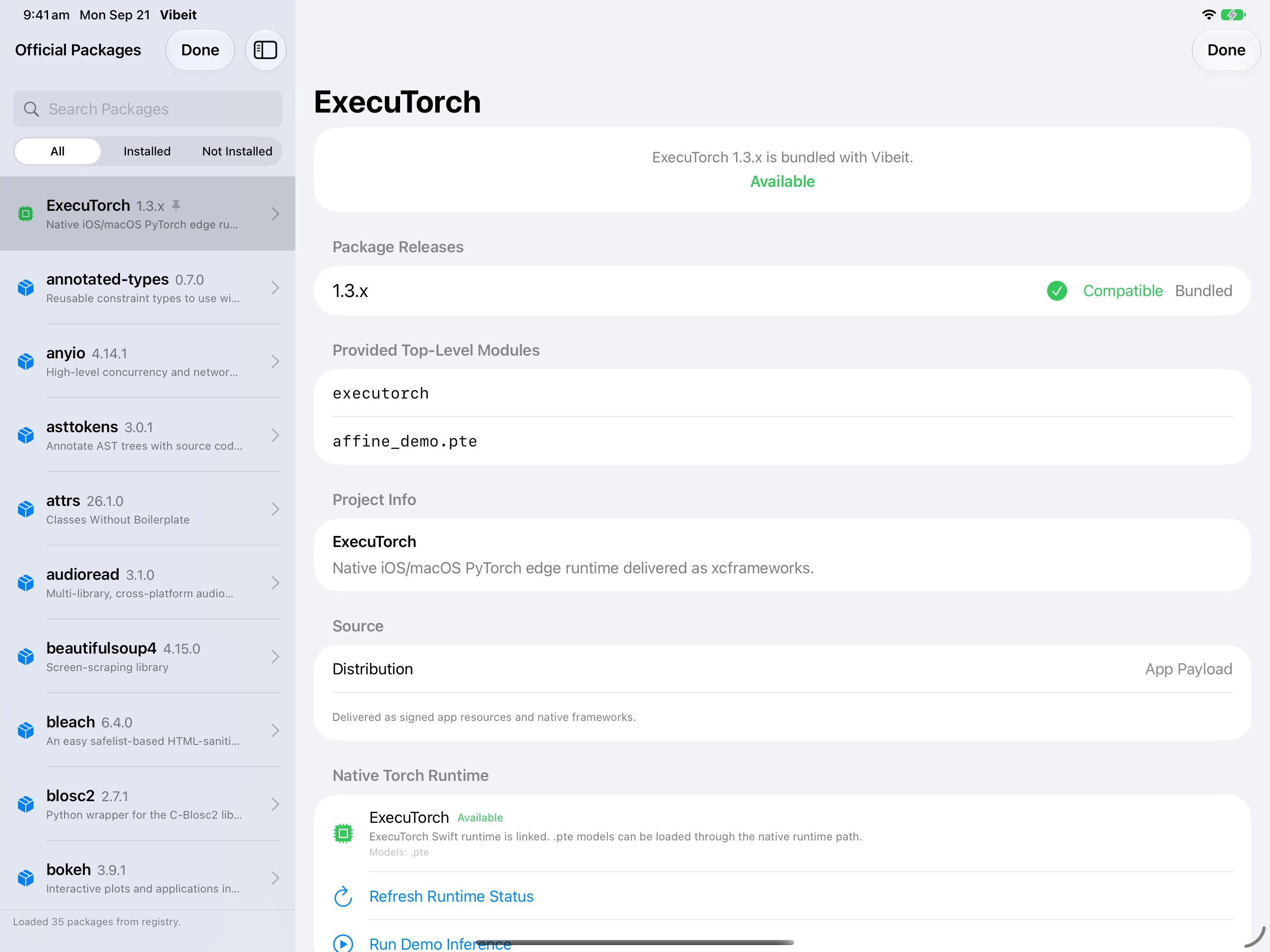
1
2
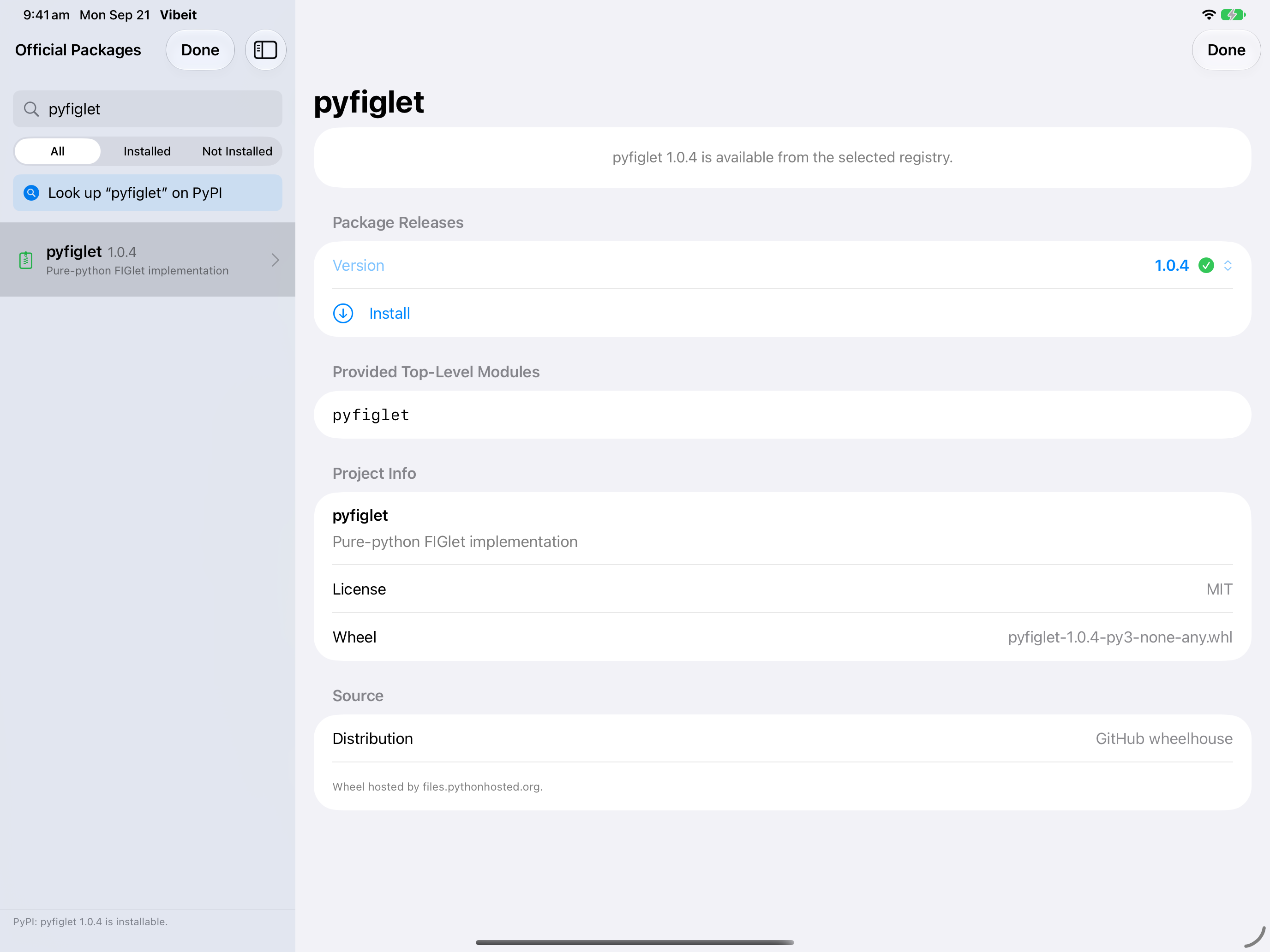
3
import pandas
print("pandas available:", pandas.__version__ is not None)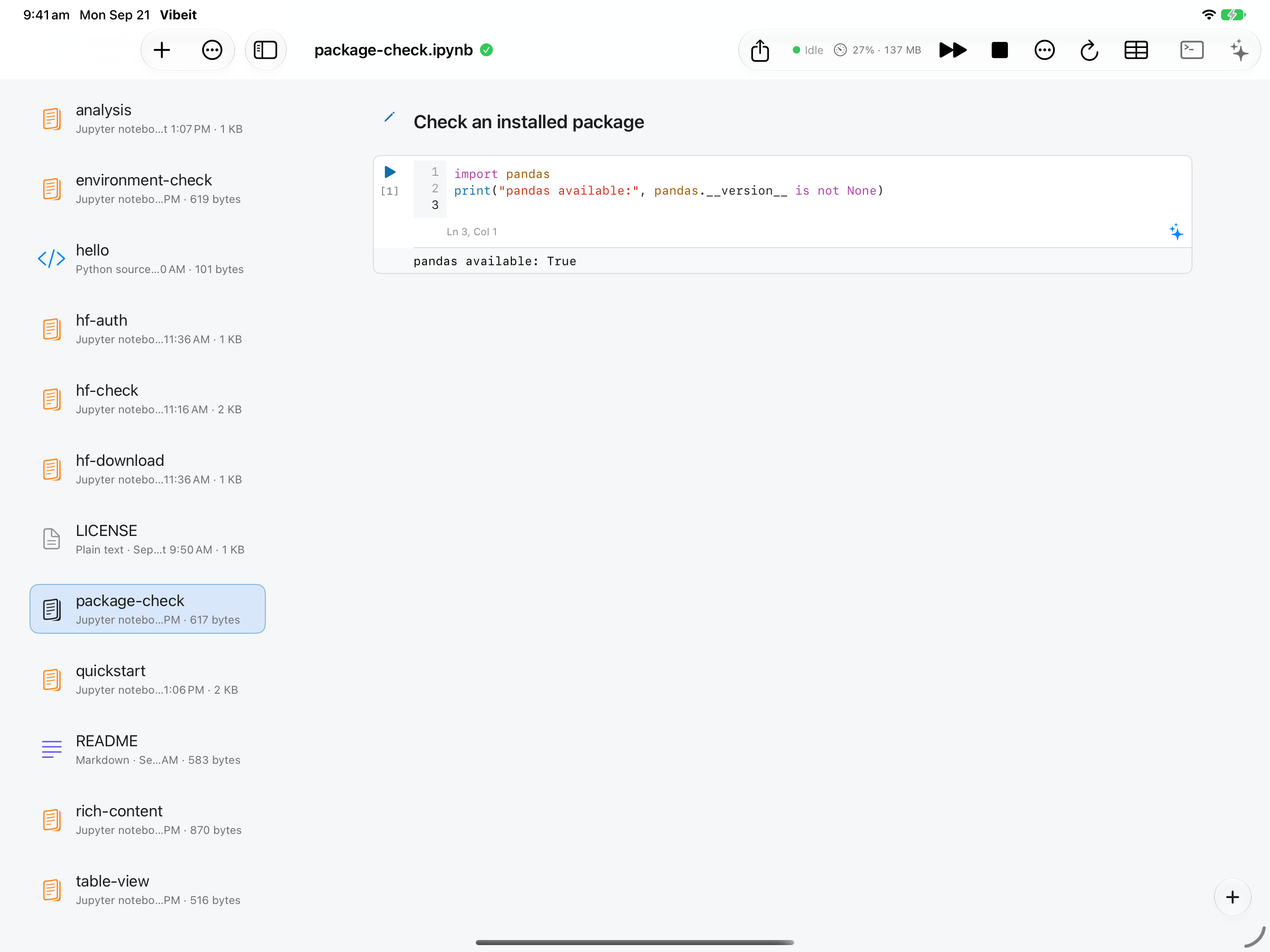
4
Check the result
Section titled “Check the result”Run a small import in the same runtime where you installed the package. Remote packages belong to the selected server interpreter.
If it does not work
Section titled “If it does not work”- If a newly saved token or environment value is not visible to Python, restart the kernel.
- For 401/403 responses, check the token and the resource’s account permissions.
- If a file downloads but does not load, check its format, required packages and available memory.