Restore a previous purchase
เนื้อหานี้ยังไม่มีในภาษาของคุณ
What you will do
Section titled “What you will do”Ask the App Store to refresh an existing subscription entitlement.
Before you start
Section titled “Before you start”- A working internet connection for the service or download used in this tutorial.
Download the tutorial workspace
Where to start
Section titled “Where to start”Settings → Account → Restore Purchases
Follow the steps
Section titled “Follow the steps”Screenshot capture is in progress for this preview. This page is not approved for publication.
See the control up close
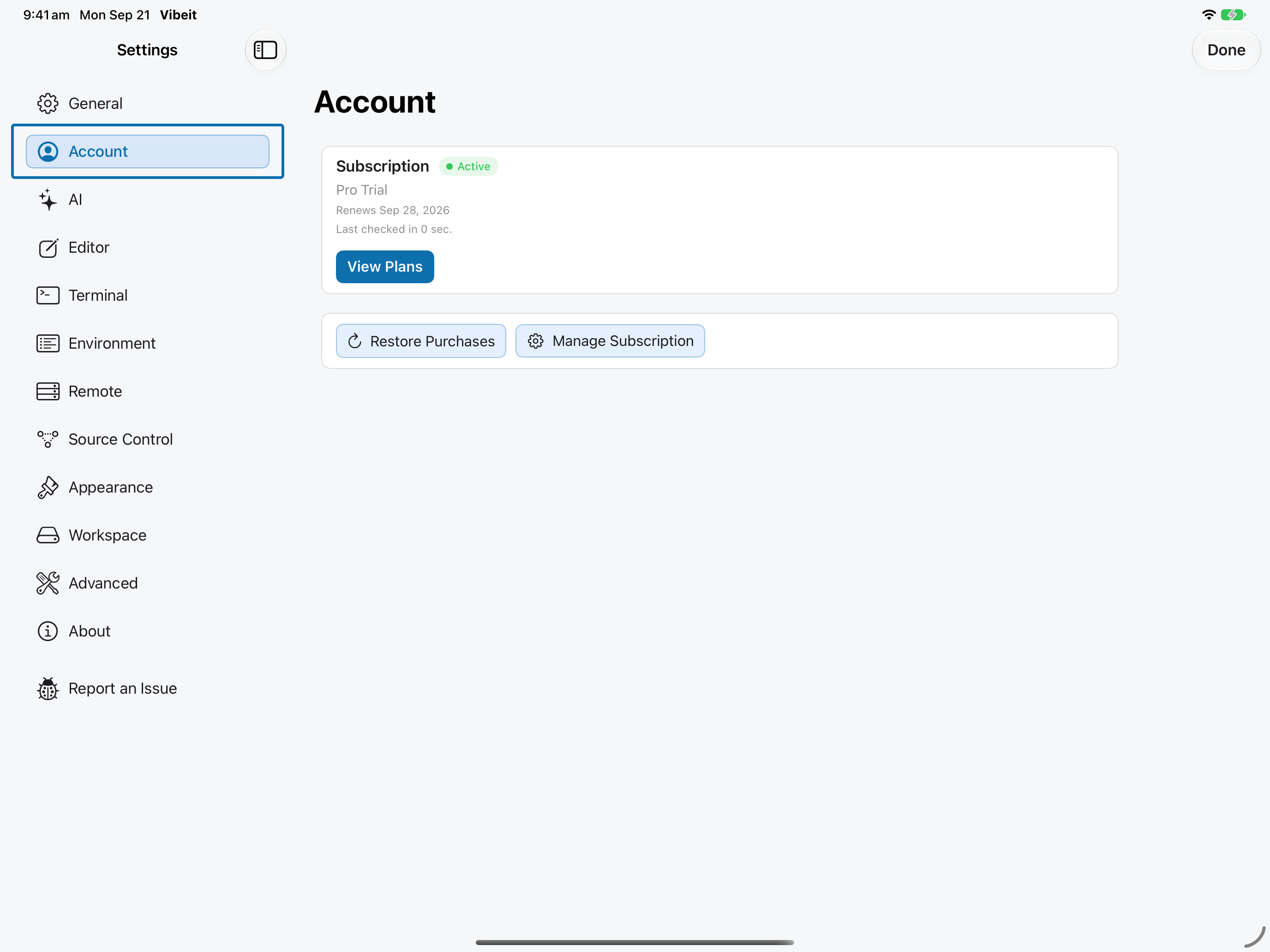
1
2
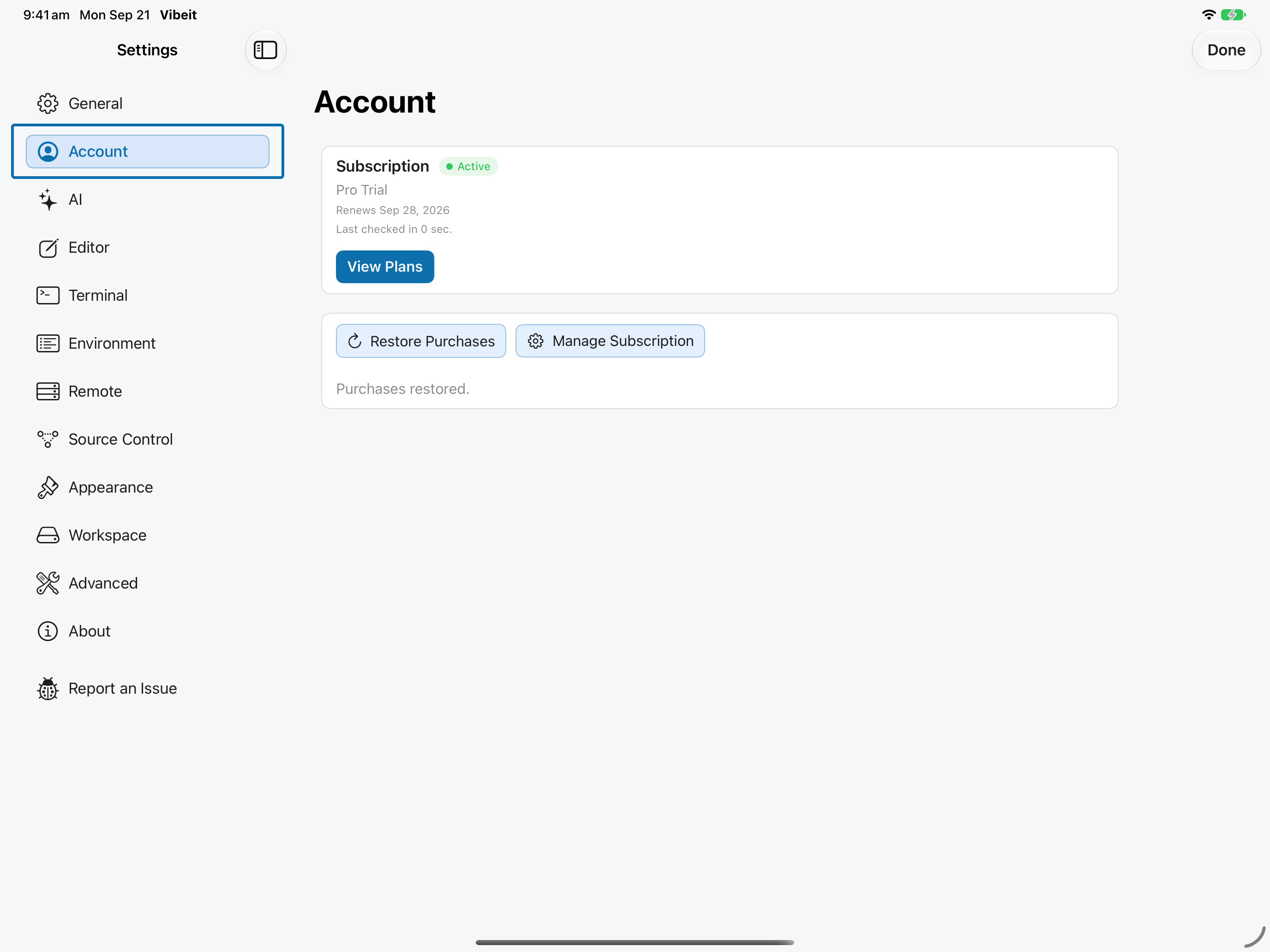
3
4
Check the result
Section titled “Check the result”If no active purchase is found, inspect the offered plans. If Apple shows an active subscription but Vibeit does not, send a report with the version and error message.
If it does not work
Section titled “If it does not work”- Restore Purchases uses the Apple Account that made the purchase. An empty restore result does not create a subscription.
- Include the App version, device, steps and exact error message when reporting a problem; omit secrets.